
Illustrated 3D printing workshop with enclosed printers, filament spools and printed vases
Choosing What To Print Next

What to 3D Print With Filament You Already Have

Turn the filament already on your shelf into realistic 3D print ideas by checking material, color, remaining grams, printer fit, cost, and time before you start.

Last updated 2026-09-30

Built from a frustration every maker knows.

You already own filament.Now what should you print next?

Most makers already have filament and printers ready to go. The frustrating part is spending hours searching through models, only to discover they need colors you don't own, won't fit your printer, or still aren't worth printing.

Every print starts with the same questions:

  • ?Will this look good with my colors?
  • ?Do I already have the filament?
  • ?Will this work on my printer?
  • ?What should I print next?

This is why PrintNext exists: recommendations built around the filament, printers, cost, and time you already have.

PrintNext Match Engine

Scanning your setup...
Live fit

Needs colors you don't own

Rejected

Won't fit your printer

Rejected

Uses more filament than expected

Rejected

Costs more than planned

Rejected

Still haven't found a print

Rejected

Best Matches Found

Ready with your filament

Uses your colors
Fits your printer
Ready to print now
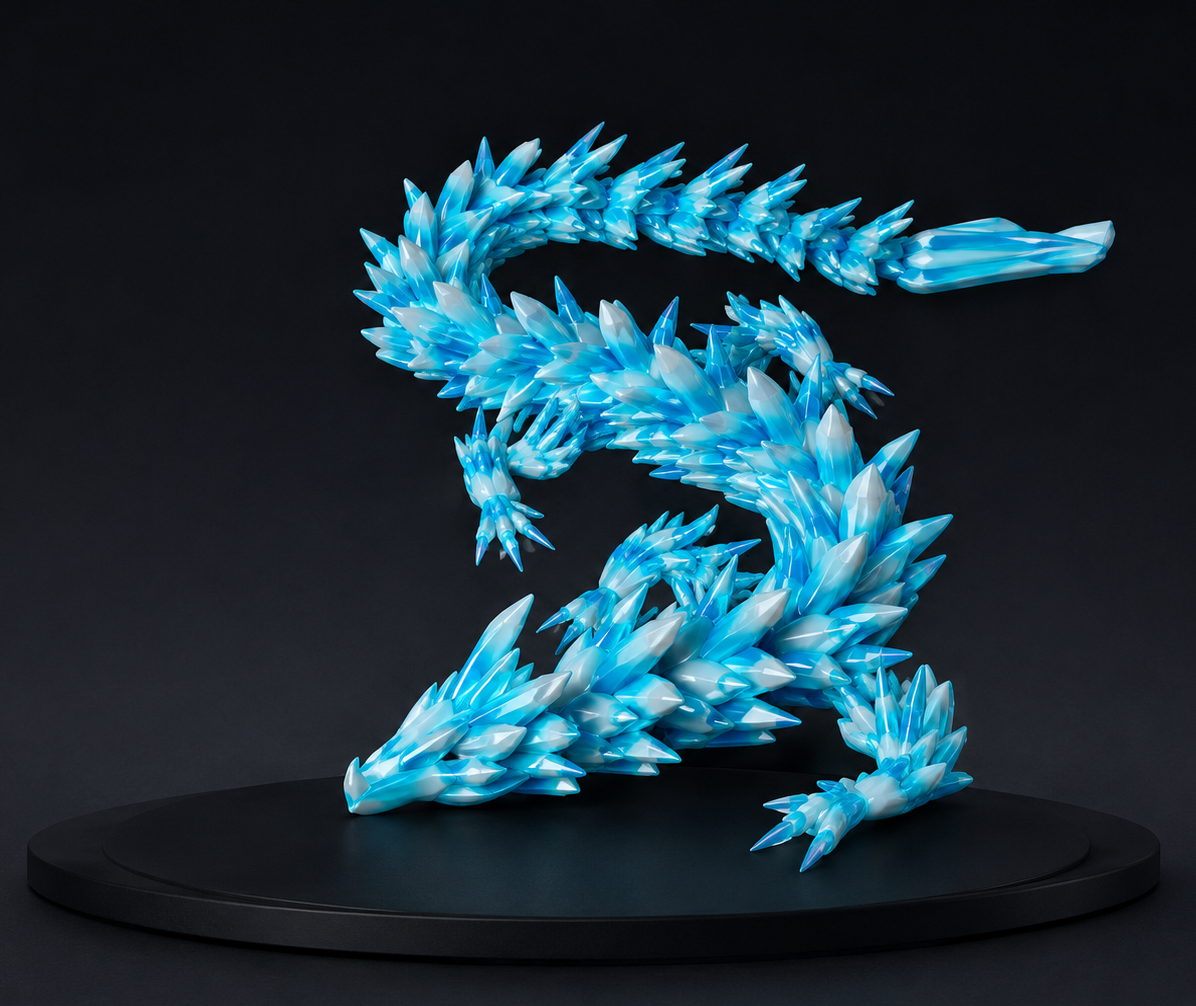
Water Dragon matched 3D print
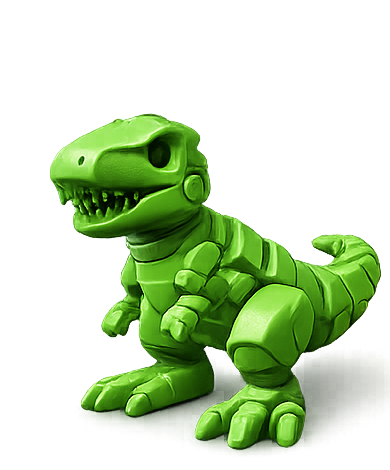
Flexi Toy matched 3D print
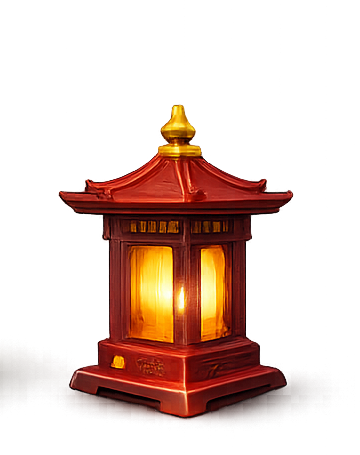
Dragon Lantern matched 3D print

Workflow

Step 1

Identify your material and colors

Step 2

Check remaining grams

Step 3

Choose the printer you will use

Step 4

Browse setup-aware print ideas

Step 5

Compare fit, cost, and time

Step 6

Slice and verify before printing

Start with the filament already on your shelf

The fastest route to a useful next print begins with inventory, not another broad model search. Record each spool by material, color, and estimated remaining weight so the ideas you consider are grounded in what you can actually use today.

  • Identify the material printed on the spool label.
  • Record each color that is available for the project.
  • Estimate remaining grams rather than assuming a partial spool is full.
  • Separate dry, ready-to-use filament from spools that need drying or inspection.

Match the material to the kind of object

A strong idea uses the properties of the material instead of treating every spool the same. PLA is an approachable choice for models and indoor organizers, while PETG, TPU, ABS, and ASA suit different functional or environmental needs.

MaterialGood project typesCheck before printing
PLADecor, models, organizers, prototypesHeat exposure and impact requirements
PETGBrackets, clips, printer accessories, utility partsStringing, enclosure needs, and surface finish
TPUGrips, bumpers, flexible feet, protective partsExtruder path, print speed, and model flexibility
ABSTough indoor functional parts and enclosuresVentilation, warping, and enclosure temperature
ASAOutdoor fixtures and weather-exposed partsVentilation, enclosure, and UV requirements

Check color and quantity before choosing a model

Color affects whether a model feels worth printing, and remaining quantity determines whether it is practical. Use the colors you own as a creative constraint, then compare the model estimate with the amount available on each spool.

  • Look for models that work naturally with one color or your current palette.
  • Reserve a safety margin when a spool estimate is close to the expected use.
  • Remember that supports, purge waste, brims, and failed starts add material.
  • Use accent colors selectively when only small amounts remain.

Confirm the project fits your printer

Available filament is only one part of the decision. Compare model dimensions with build volume and check nozzle, material, enclosure, and multicolor requirements for the printer you plan to use.

  • Check X, Y, and Z dimensions before downloading or scaling.
  • Confirm the printer is configured for the selected material.
  • Review whether the model needs supports, multiple parts, or color changes.
  • Use your slicer as the final authority for orientation and machine fit.

Compare cost and time before committing

Two models that use the same material can have very different costs and print times. Compare estimated grams, spool cost, duration, support waste, and the value of the finished object before choosing which one deserves the next open printer slot.

Turn constraints into better recommendations

Printer profiles and filament inventory make recommendations more useful because they remove projects that depend on equipment or material you do not have. The result is a shorter list of ideas that fit your real workshop instead of a generic popularity feed.

  • Filter by material and the colors already available.
  • Prioritize models that fit the selected printer.
  • Compare estimated use with remaining inventory.
  • Choose a project that also fits your time and budget.

Save, prepare, and verify the final print

Save promising models with their original source and notes, then inspect the selected file in your slicer. Confirm scale, orientation, supports, time, and material use before starting. Update your inventory after the print so the next recommendation begins with better information.

Choose between two jobs using one partial spool

Suppose a PLA spool has an estimated 90 g left. A drawer divider slices at 65 g including its brim, while a decorative model needs 85 g before supports. The divider is the more comfortable starting point. The estimate is still a planning input: inspect the spool and check the complete slice before committing.

  • Use the material printed on the spool label, not just its display color.
  • Compare the complete job total with remaining filament; include supports and color-change waste.
  • If no exact inventory match exists, choose a substitute explicitly and review its material profile.

FAQ

Common questions

What can I print with leftover PLA?

Small organizers, clips, labels, desk accessories, calibration tools, miniatures, decorative models, and replacement knobs are good candidates. Compare the slicer estimate with your remaining grams before starting.

How much filament do I need for a 3D print?

The amount depends on model scale, wall count, infill, supports, and slicer settings. Use a model estimate for planning, then verify the final grams in your slicer and keep a safety margin for purge and failed starts.

Can I use different filament brands or colors in one project?

Often yes when the materials have compatible temperature and behavior, but brands and formulations can vary. Test uncertain combinations and verify the slicer and printer settings before a long multicolor print.

How do I know whether a model fits my printer?

Compare its dimensions with the printer build volume, then verify scale, orientation, and supports in your slicer. A setup-aware fit check helps shortlist models, but the final sliced layout is authoritative.

What if I do not own every color shown in a model?

Treat the preview as inspiration. Substitute colors you own, simplify the palette, print a single-color version, or use Color Studio to plan a new combination before exporting a multicolor 3MF.

How does PrintNext match print ideas to my filament?

PrintNext connects tracked material, color, remaining quantity, printer profiles, estimated cost, and available time so recommendations can reflect your real setup rather than generic model popularity alone.

Continue learning

Related PrintNext guides

These pages connect the same workflow from file format decisions to color planning, inventory, and print cost.

View all guides