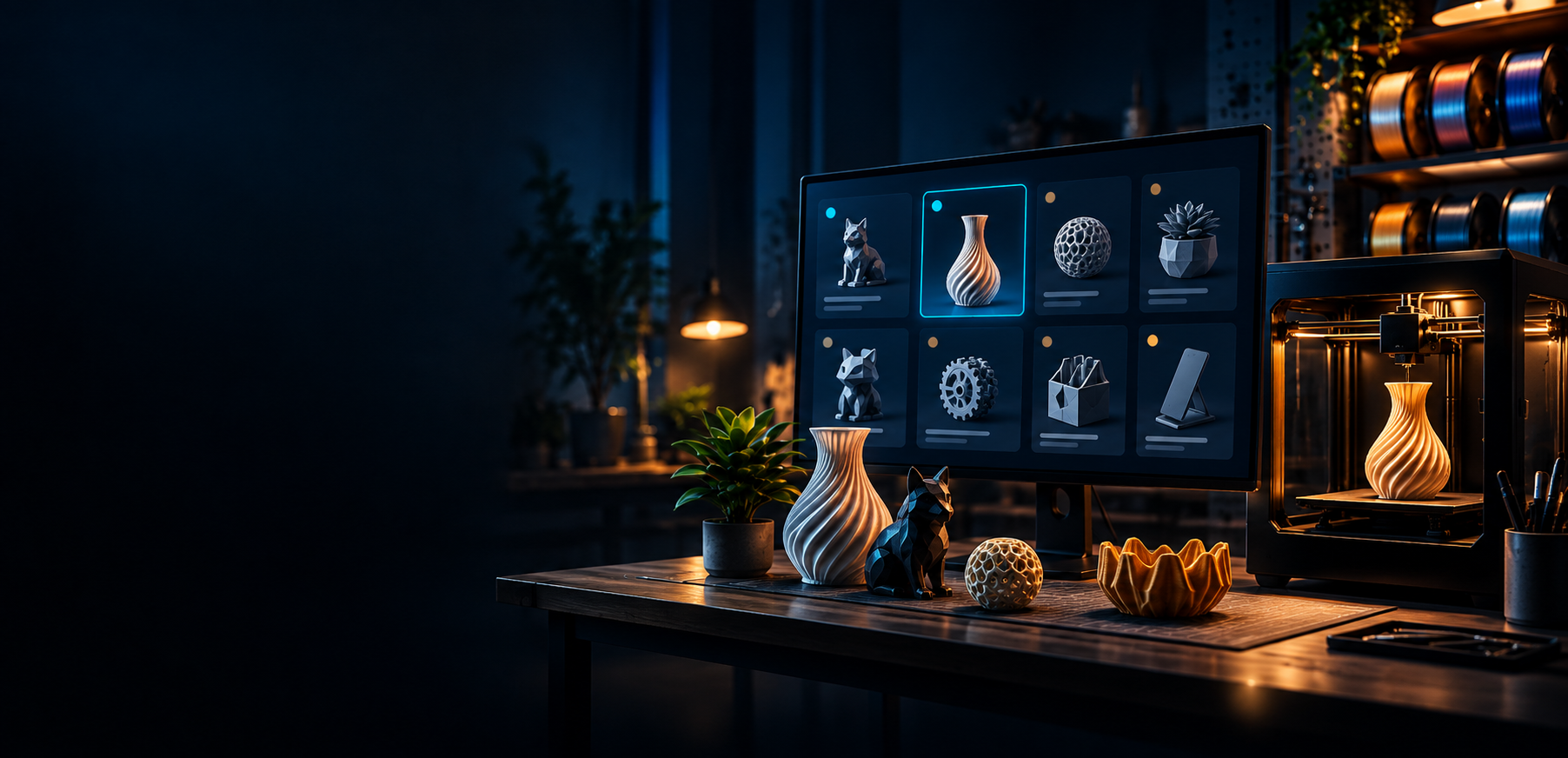
3D print decision guide
What Should I 3D Print Next?
Choosing what to print next can take longer than the print itself. PrintNext helps you find ideas based on your printer, filament inventory, available time, and goals.
What PrintNext Checks Before You Print
Choose prints that are ready for your actual setup.
PrintNext turns model browsing into a print decision by comparing each idea against the practical details that usually slow makers down.
Start here
Most Common Next Prints
If you are stuck, these are the strongest live pathways PrintNext can support today.
Functional Prints
Useful holders, clips, tools, organizers, and practical parts.
42 live recommendations
Dragons
Articulated, display, and giftable dragon models from the live catalog.
31 live recommendations
Articulated Animals
Flexi, print-in-place, and satisfying moving prints.
27 live recommendations
Home Organization
Household helpers, storage ideas, desk fixes, and everyday utility prints.
37 live recommendations
Beginner Prints
Lower-risk recommendations that are easier to start and learn from.
4 live recommendations
Leftover Filament Projects
Small models that make better use of partial spools.
31 live recommendations
Why choosing is hard
Model Sites Give You Millions Of Options, Not A Decision
Printables, MakerWorld, Thingiverse, and MyMiniFactory are full of great models, but the hard part is knowing which one is actually right for your setup today.
Real PrintNext recommendations
Recommended Prints Right Now
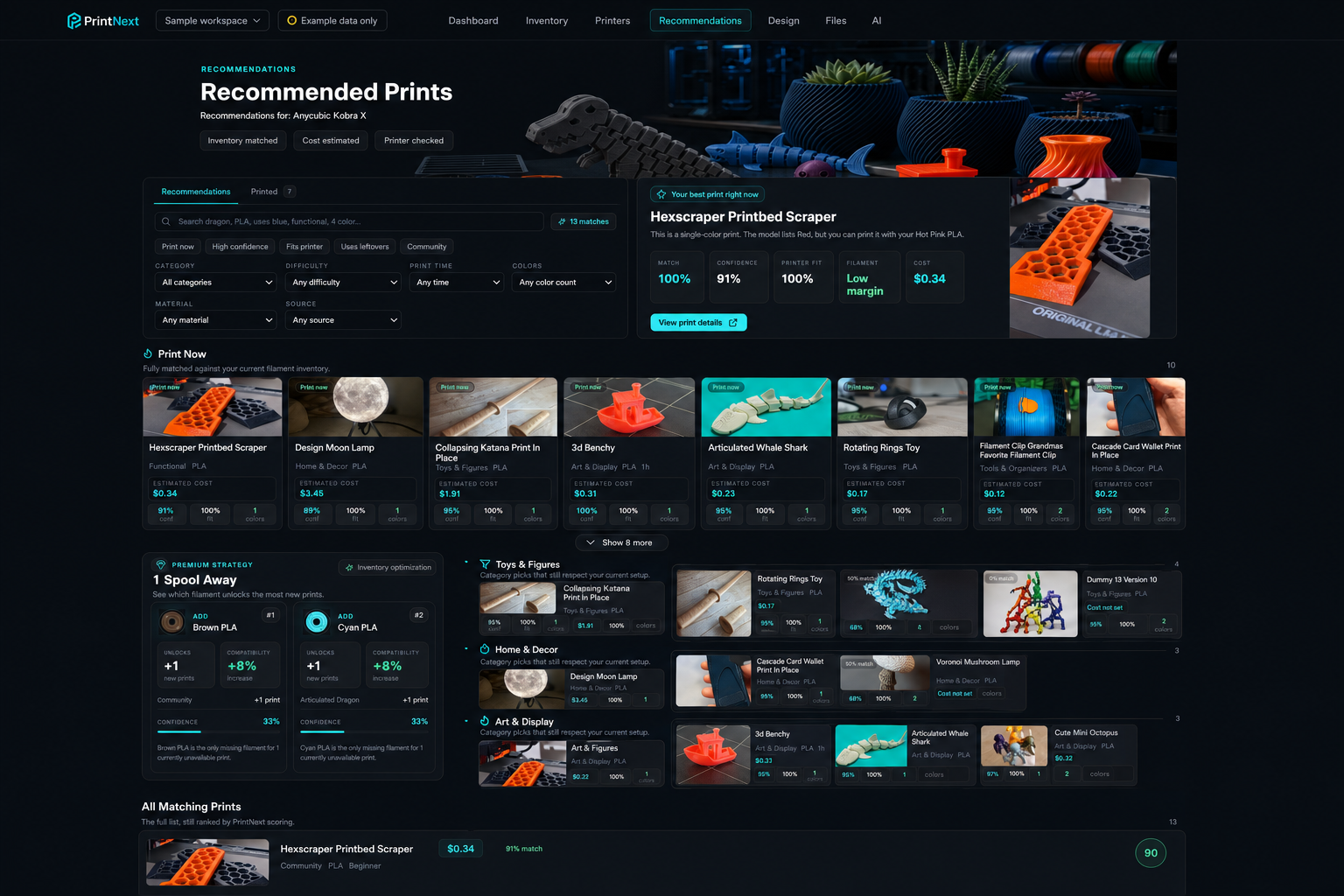
These are live recommendation cards from the PrintNext catalog. You can browse them logged out, then create an account when you want to save, plan, or match recommendations to your own inventory.
Quick Prints
Shorter ideas when you want something finished soon.
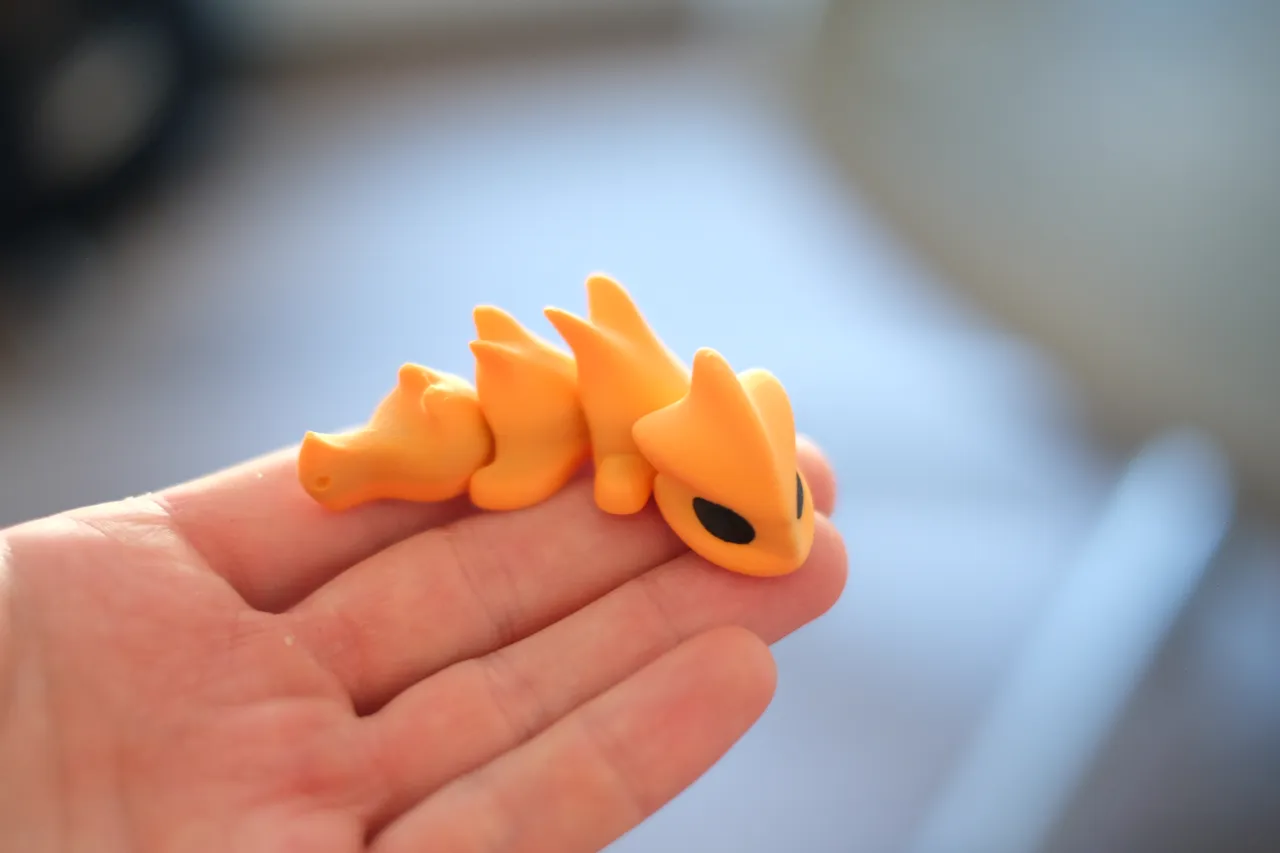
Mini Articulated Dragon (Magnet/Keychain)
Quick and Easy to Print Mini articulated dragon * for commercial license, Please visit my Patreon page Magnet Size 6x2mm
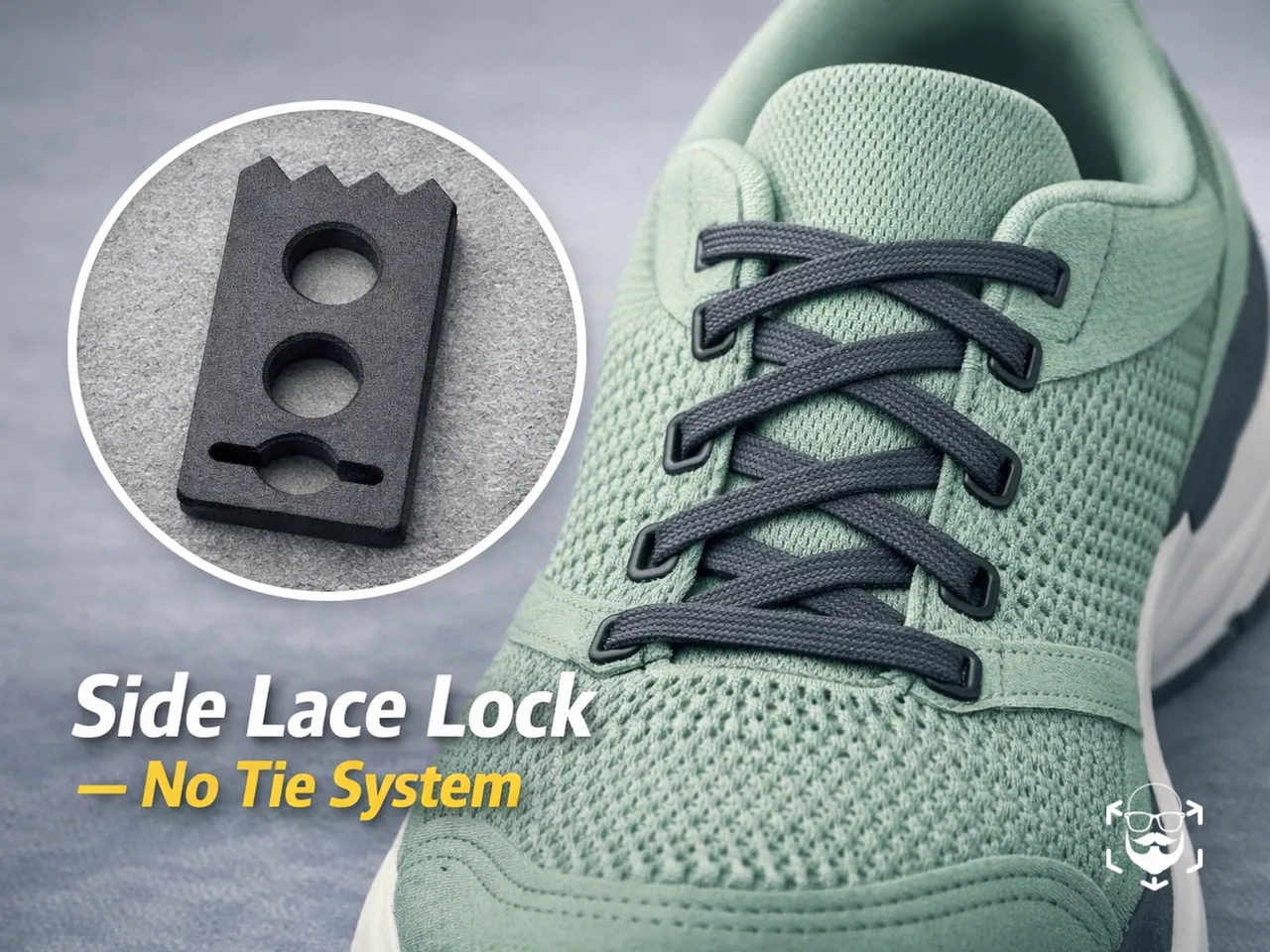
Side Lace Lock – No‑Tie Shoelace Holder for the Last Eyelet
A lightweight, ultra‑compact and efficient system designed to lock your shoelaces without tying a knot.These side lace…
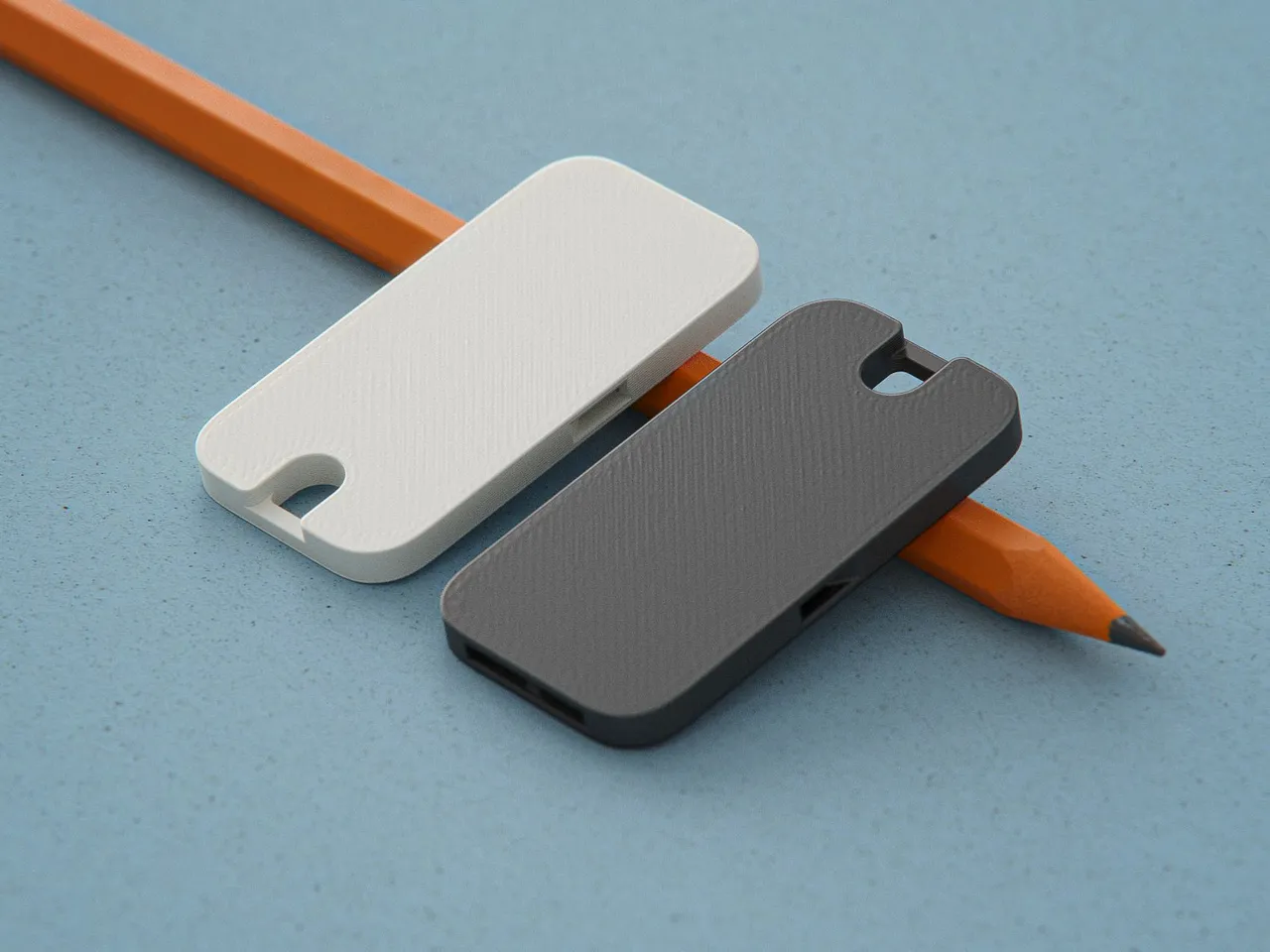
Flat Pocket Whistle
A really loud, flat whistle that you can comfortably carry in your wallet.
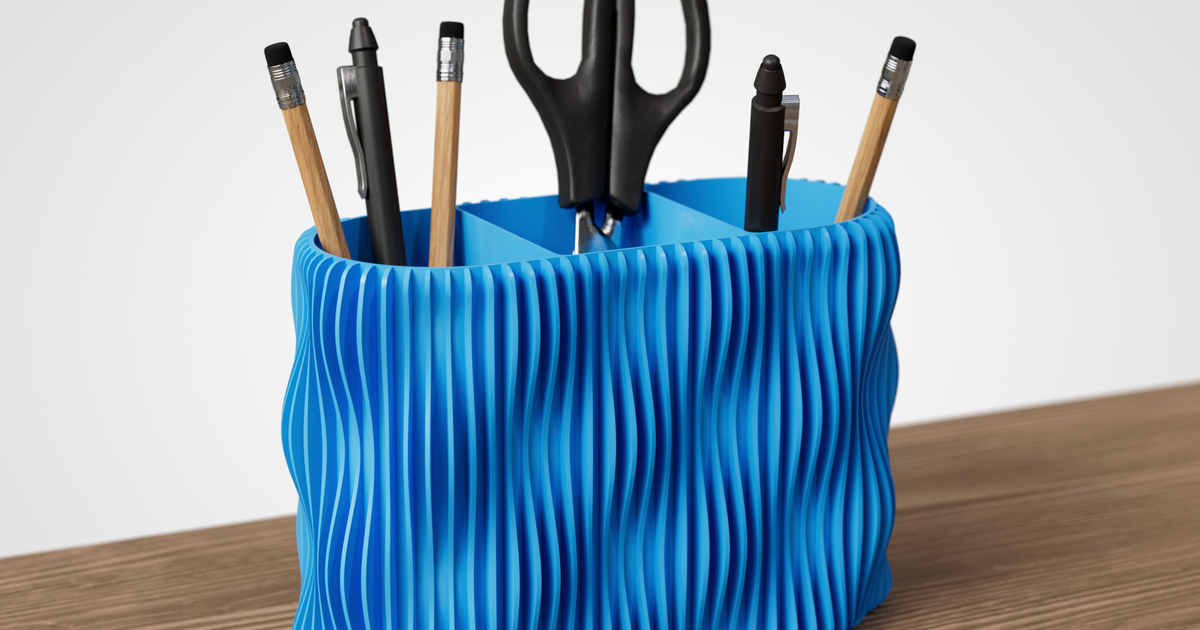
Modern Desk Organizer / Pencil Holder
Keep your desk tidy in style — a practical organizer with a flowing wavy design that stands out as both useful and decor
Small Prints For Leftover Filament
Compact models that make better use of partial spools.
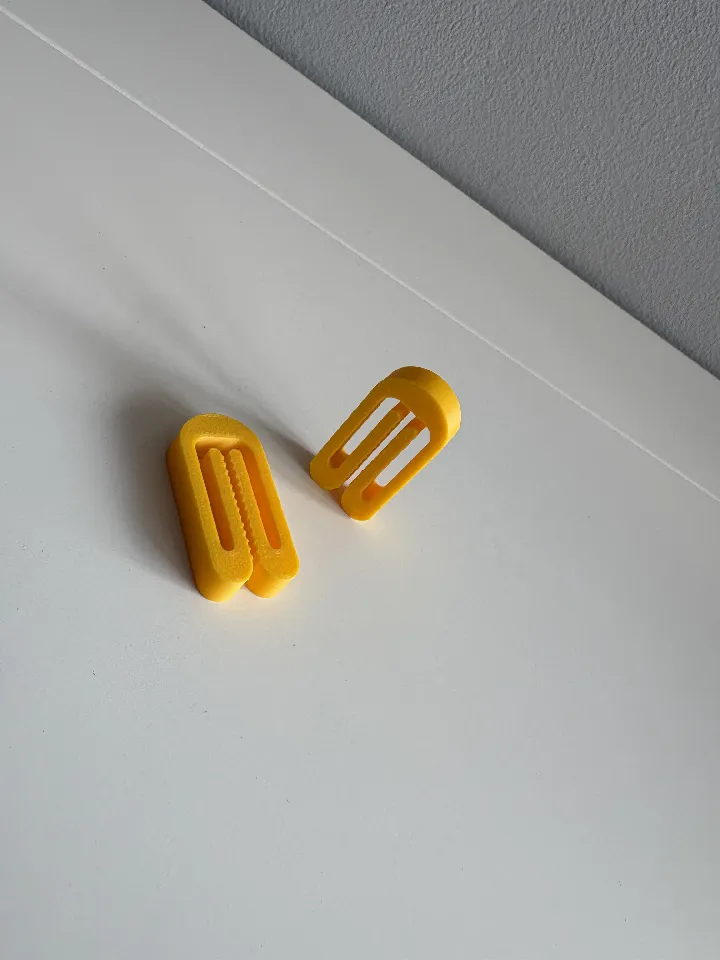
Bag Clip | Bag Sealing Clip by DS Forge
A strong and reliable bag clip that prints in just 7 minutes and cost only 3.5 grams.
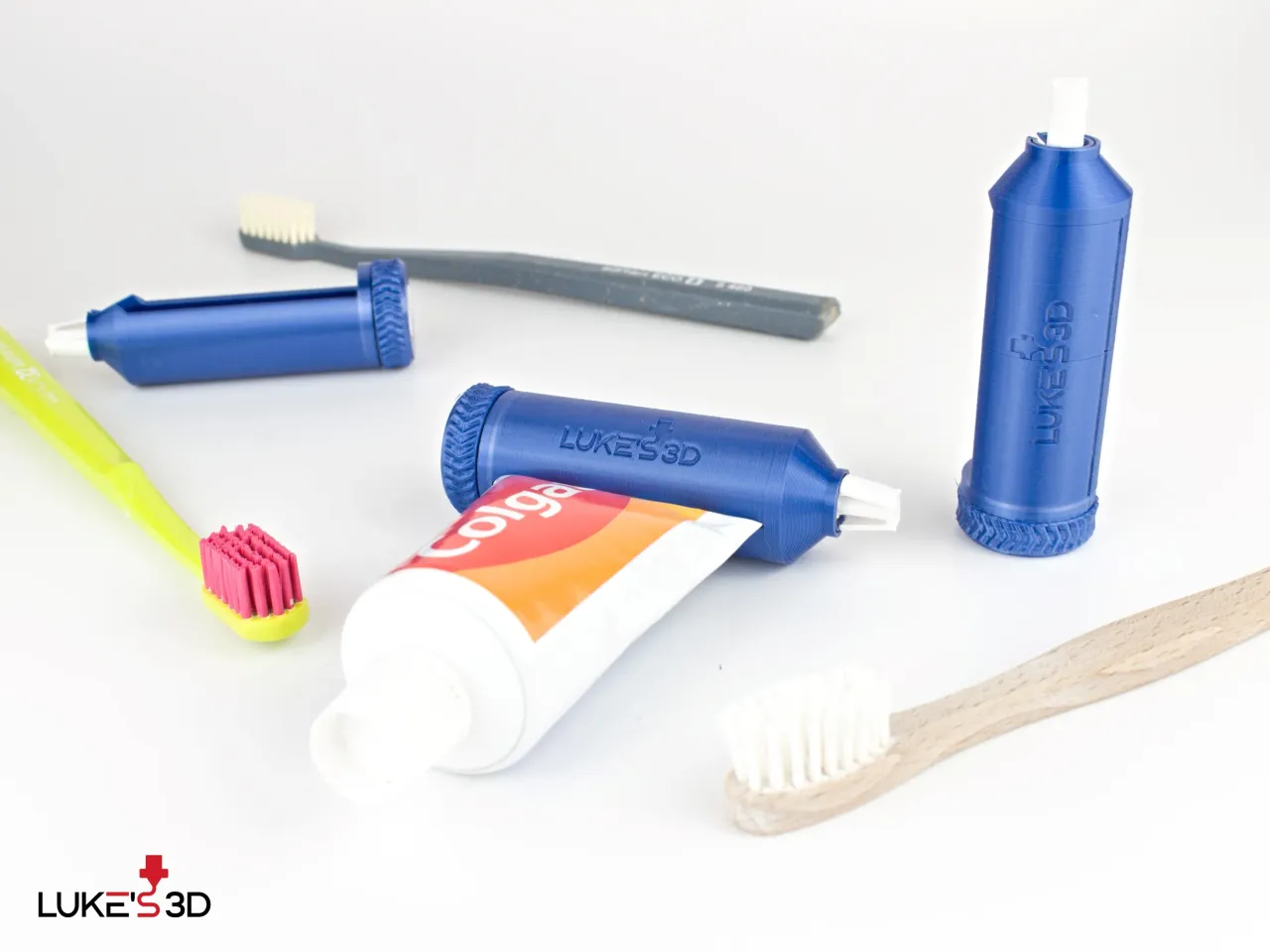
Ratchet Toothpaste Tube Squeezer
Easy to print, easy to assemble, easy to use ratchet toothpaste tube squeezer. Click, click, click, brush!
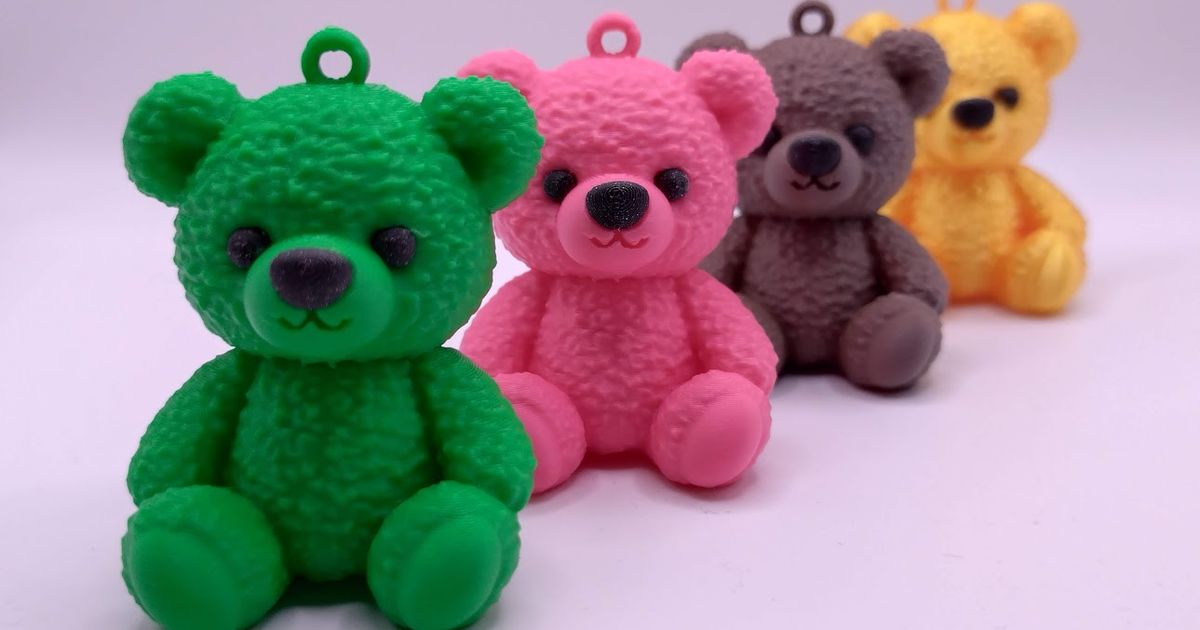
Teddy bear
Teddy bear pendant suitable as an accessory for your backpack, keys, or as a gift.
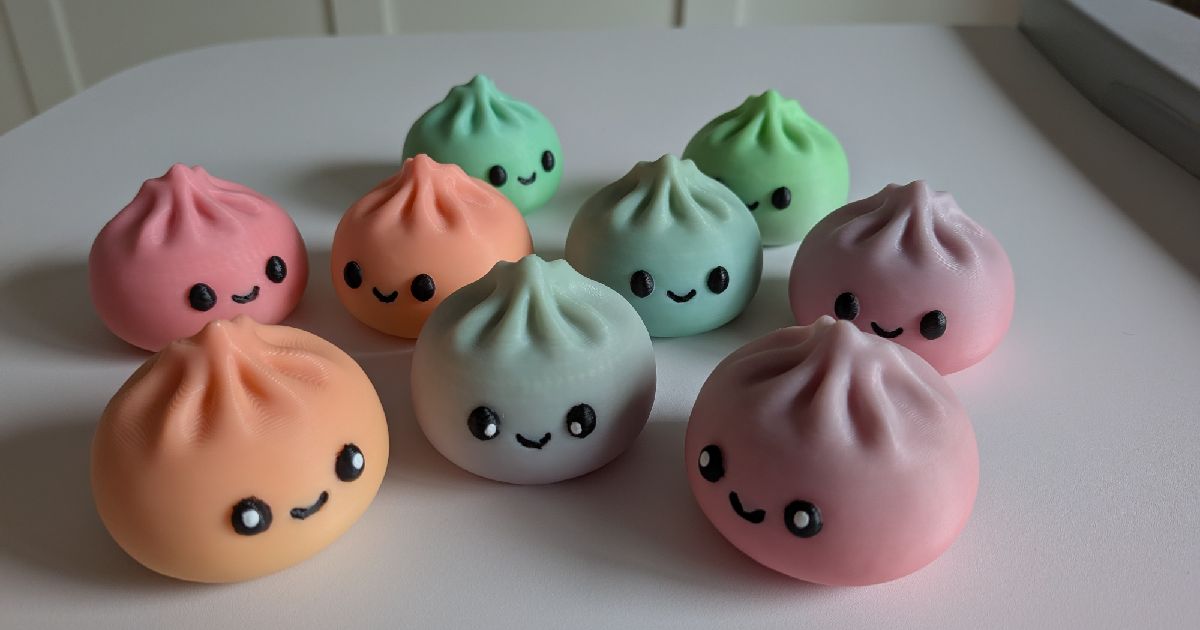
Bao Bun Dumpling Remix
Just an adorable bao bun dumpling with a simple, charming design that's easy to print and display.
Functional & Organization Prints
Useful holders, clips, tools, organizers, and practical parts.
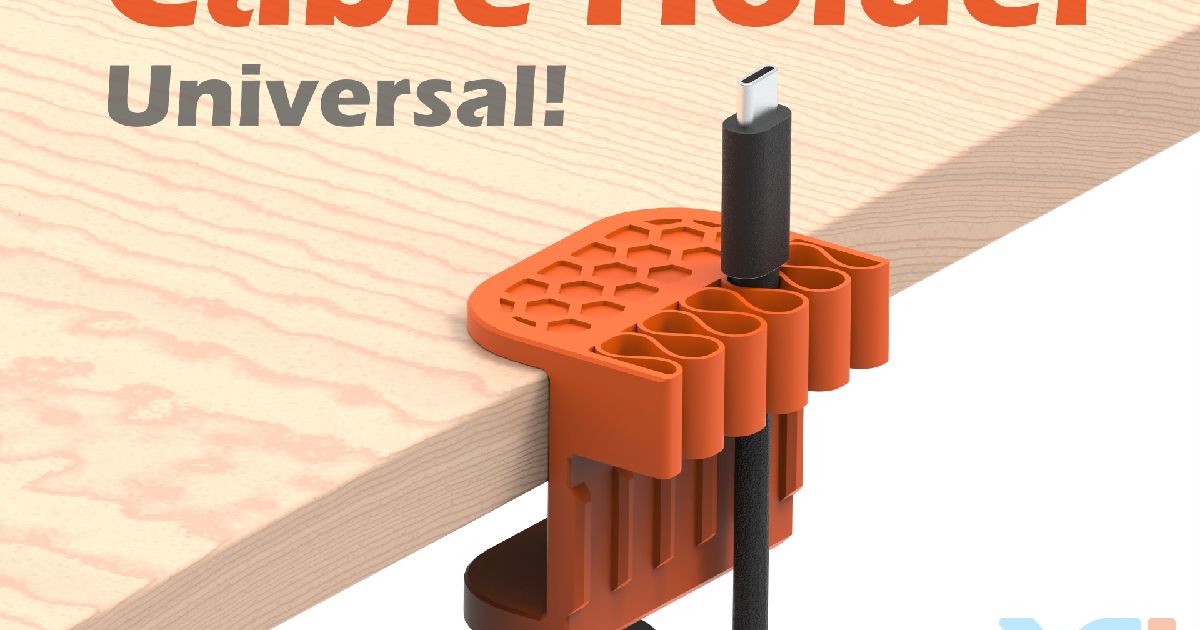
Universal Desk Cable Holder
The Universal Desk Cable Holder is a practical cable management solution designed to keep your cables organized :)
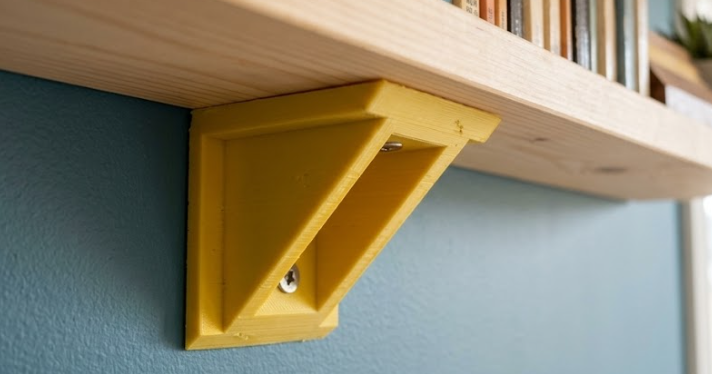
Universal Reinforced 90° Corner Bracket
Need a reliable, strong, and quick-to-print solution to fix a shaky shelf, build a custom enclosure, or reinforce a wood
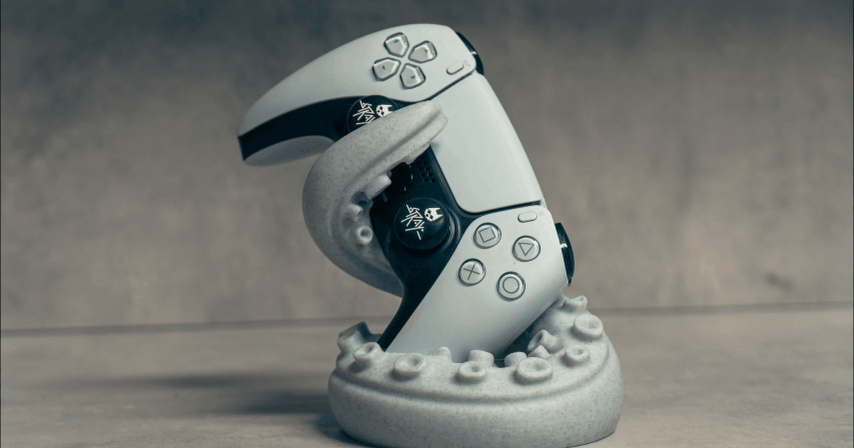
Vertical PS5 Tentacle Holder
No sea creatures were harmed in making of this holder
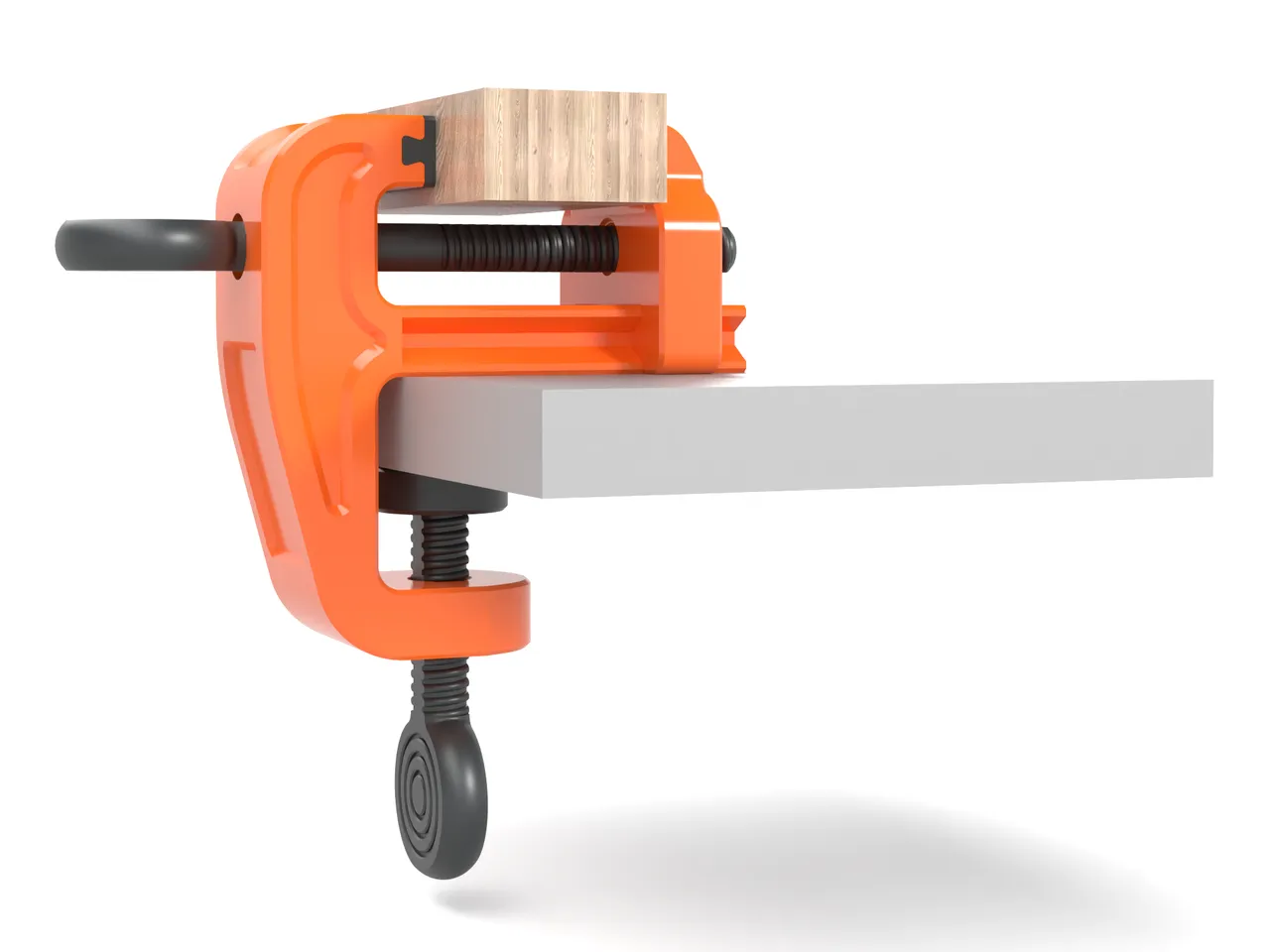
High-Precision Bench Vise
High-precision 3D-printed vise with anti-flex triple guides in PETG/TPU. Robust horizontal threads and protective pads.
Home Organization Prints
Household helpers, storage ideas, desk fixes, and everyday utility prints.
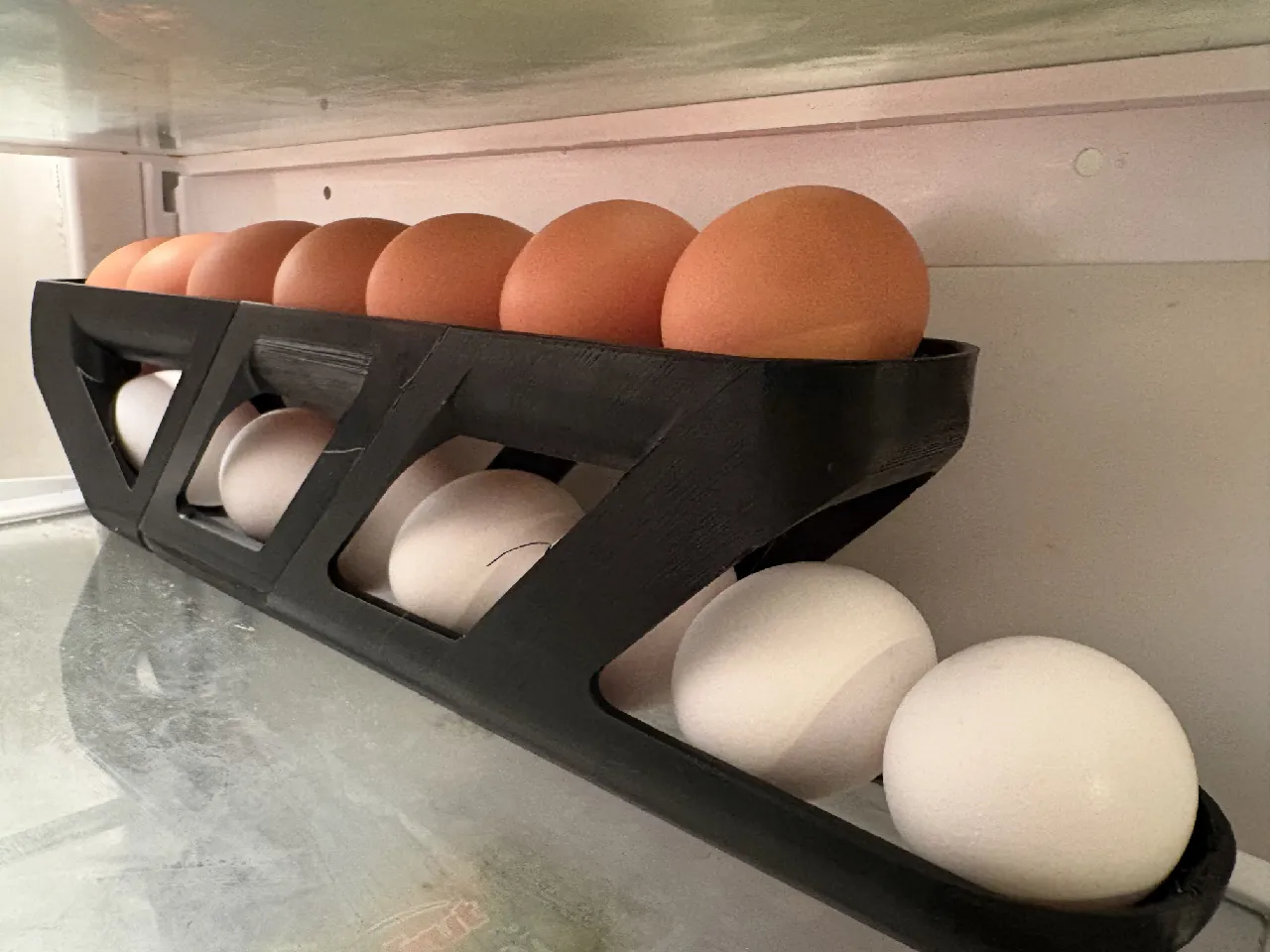
Egg Dispenser
It's another egg dispenser. This one has supports so it doesn't sag, and is set up to print supportless.
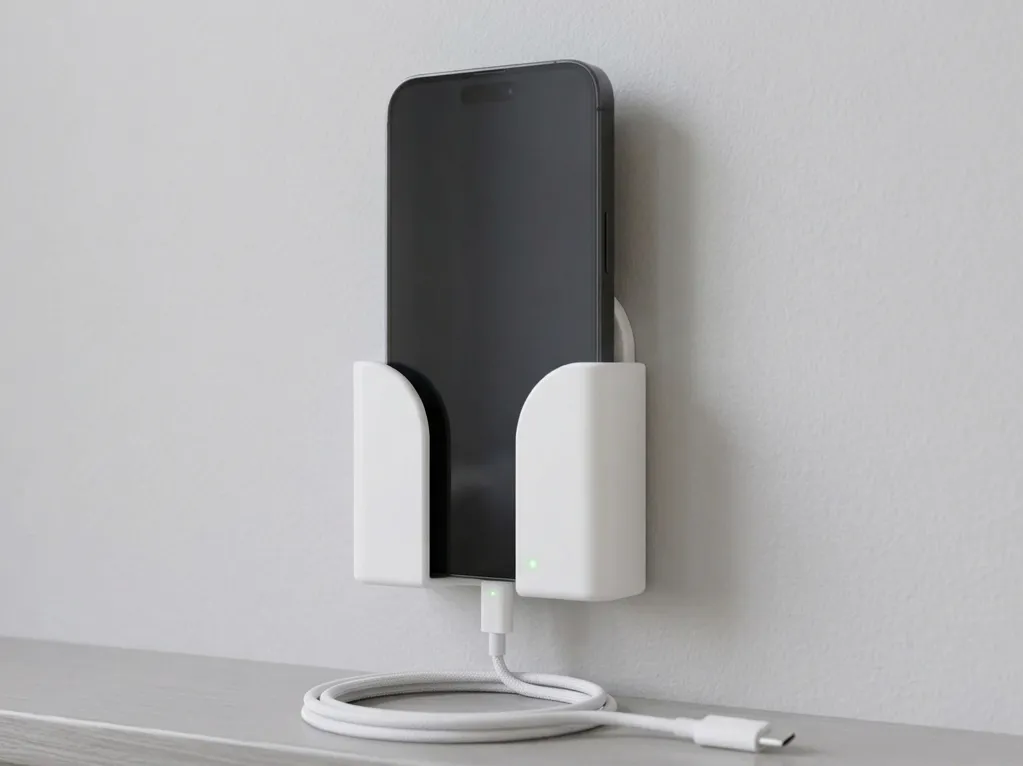
Modern Wall-Mounted Mobile Holder
A clean and practical wall-mounted phone holder designed for charging convenience near switchboards, desks, beds.
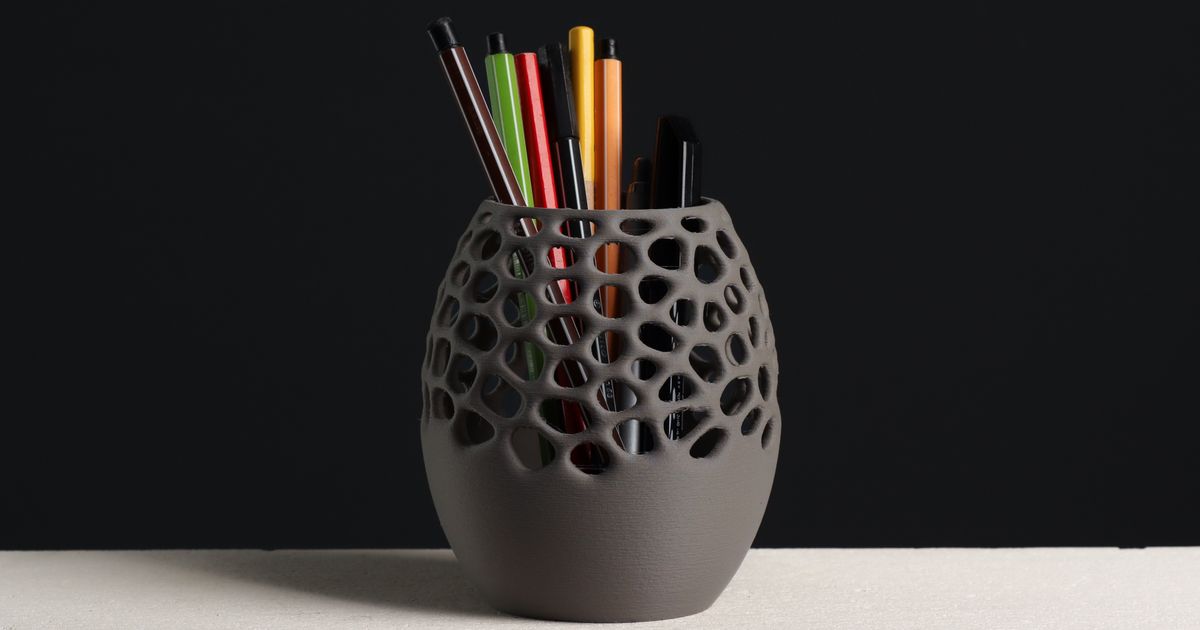
Voronoi Pencil Holder Cup, Office Desk Organizer
Keep your pens and pencils in one place with this stylish Voronoi pencil holder.
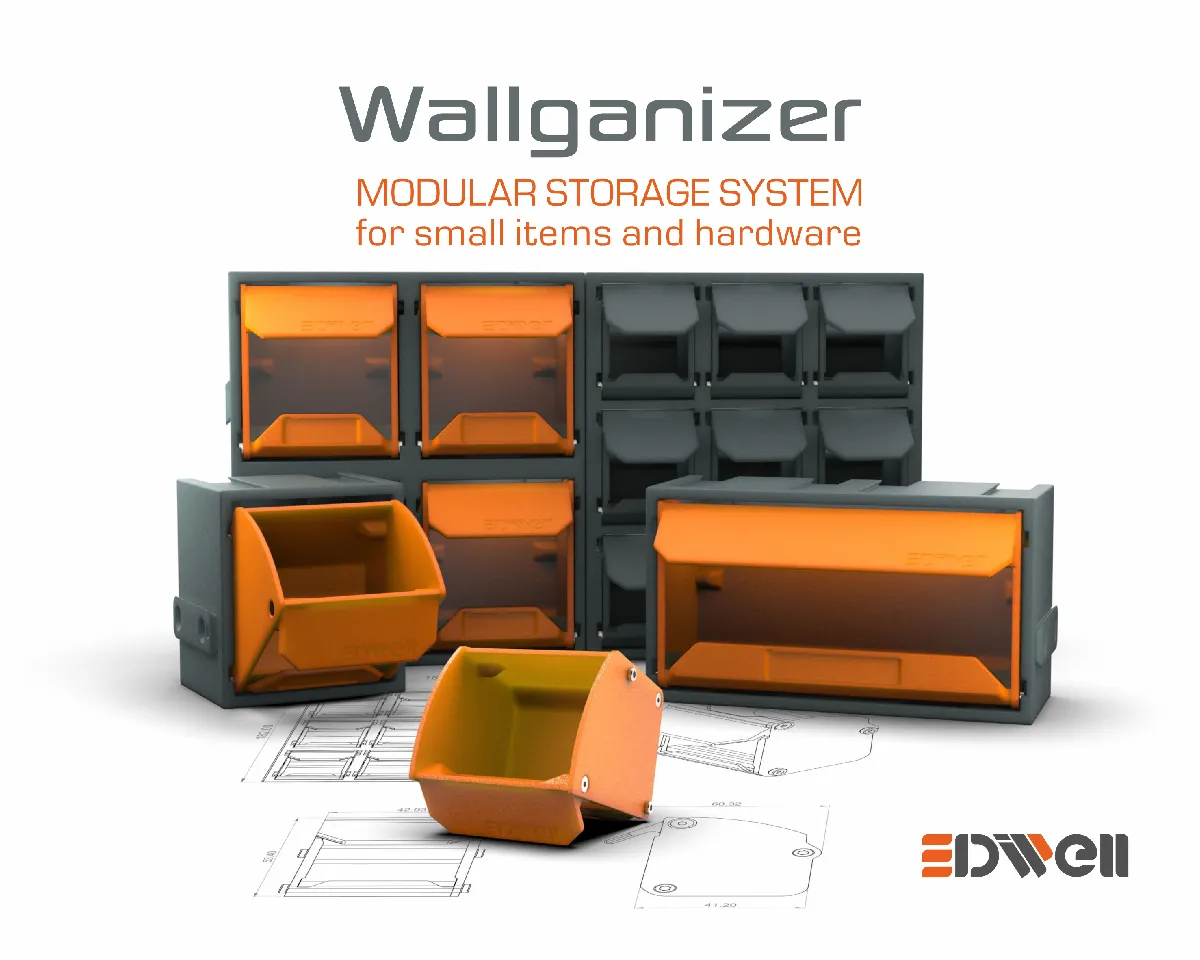
Organizer for small items Wallganizer
Wallganizer – Modular Storage System for Small Parts and Fasteners
Articulated & Flexi Prints
Print-in-place models, flexi animals, and satisfying moving prints.
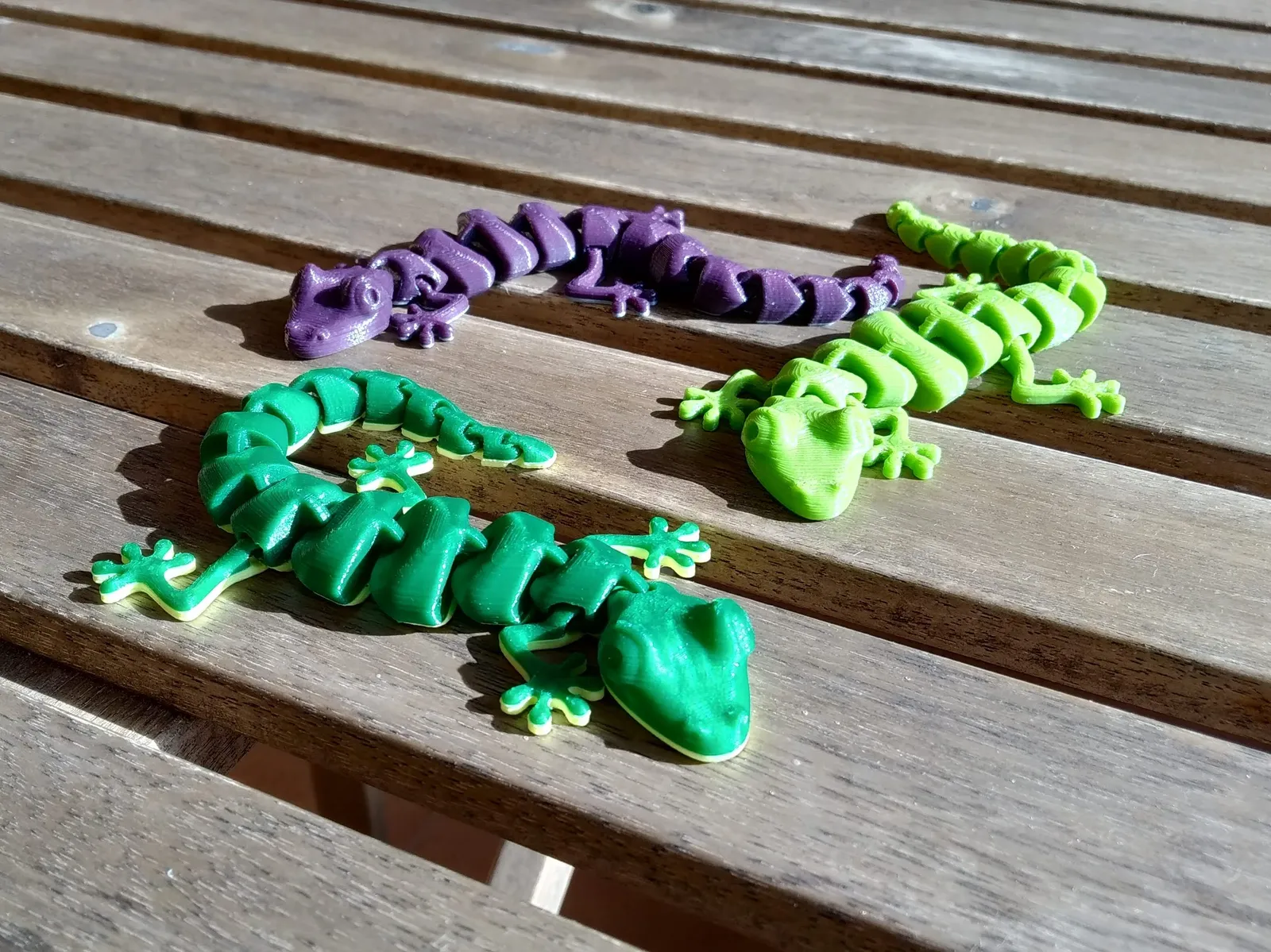
Articulated Lizard v2
The original one. No supports or assembly required.
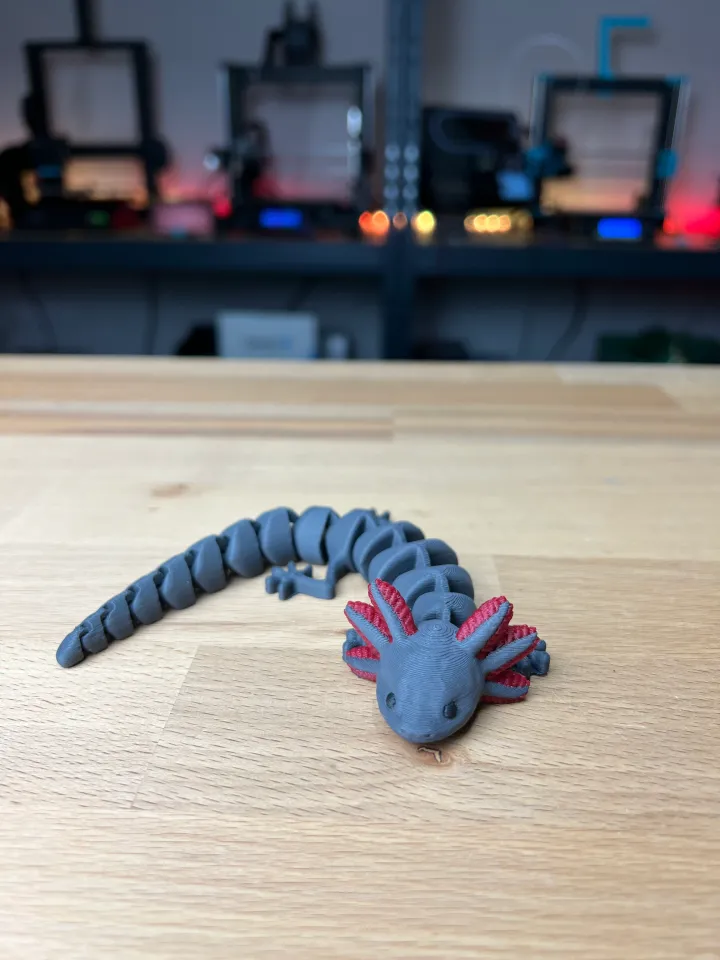
Articulated Axolotl - Multicolor Remix
We painted the Axolotl in PrusaSlicer for you
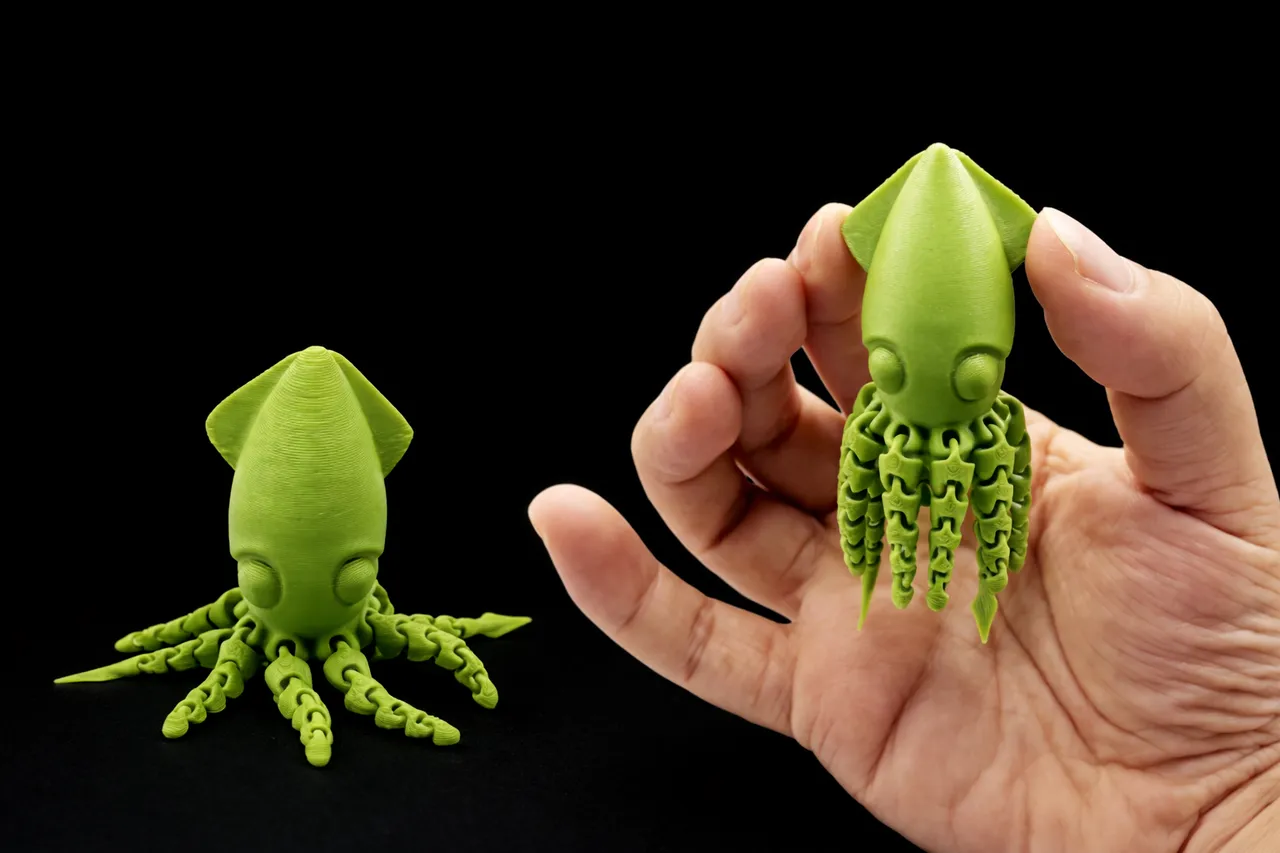
Calamar de 9g - Squid - Petit jouet à tentacules mobiles - seulement 9g
Calamar de 9g - Squid - Petit jouet à tentacules mobiles - seulement 9g
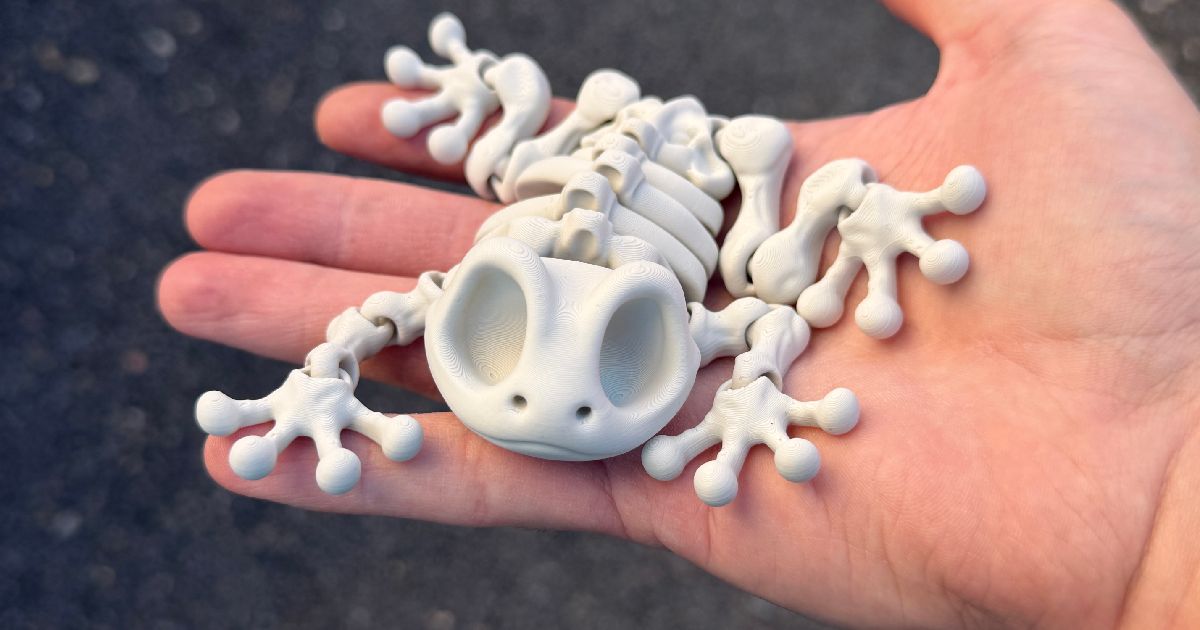
Articulated Skeleton Frog
A Articulated Skeleton Frog (Single Color) And yes he can sit!
Dragon Prints
Articulated, display, and giftable dragon models from the live catalog.
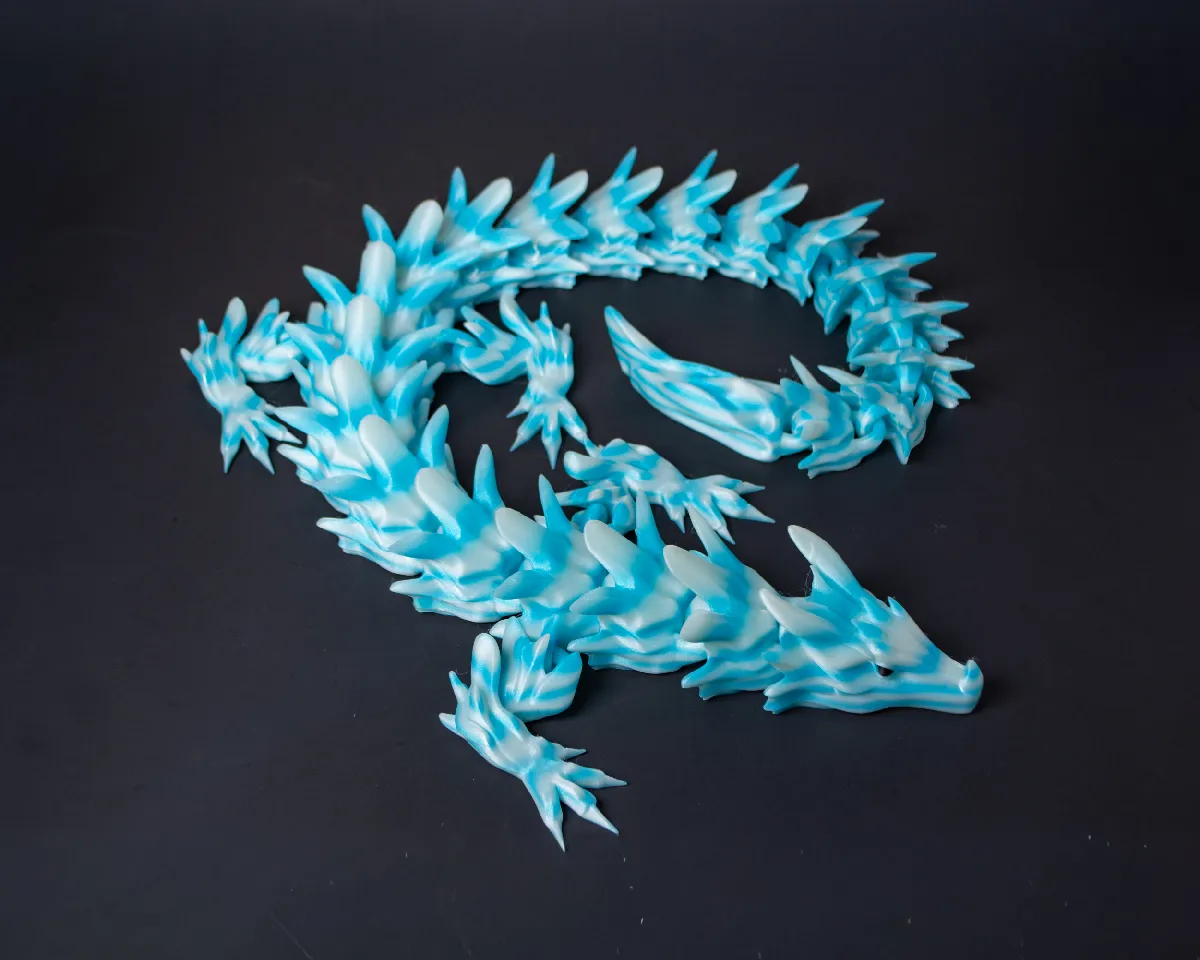
Water Dragon Articulated Dragon
Let's mix things up with another type of dragon: The water dragon! This creatively designed and articulate "Water Dragon" model is engraved with intricate details that capture the imagination, giving it a sense of mystique and fantasy! Its lightweight structure enhances its flexibility, making it an unbelievably realistic dragon that moves and twists just like the real thing. Engage your senses by handling and playing with this articulating dragon. Whether you prefer posing it or fidgeting with it, you will get lost in the fascinating world this model opens up. Dive deeper into the realms of fantastical beasts with this unique Water Dragon, the perfect addition to any collector's 3D model repertoire.
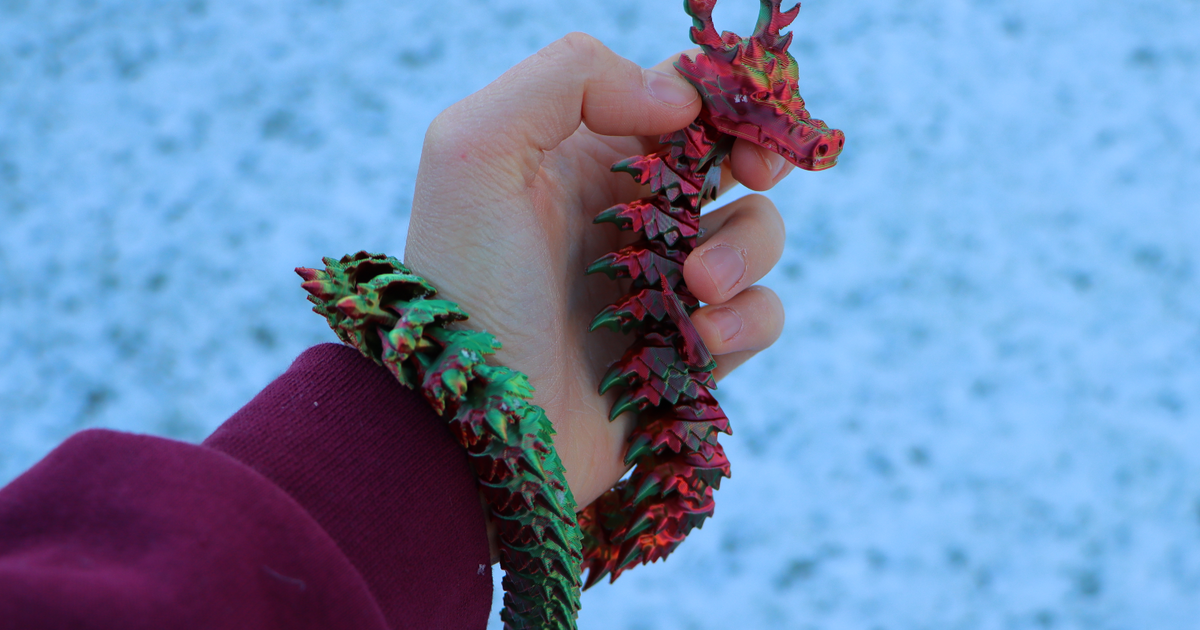
Articulated Christmas Dragon
The body moves freely around ✓ The legs move up and down✓ The tail moves freely around ✓ The head moves freely around ✓
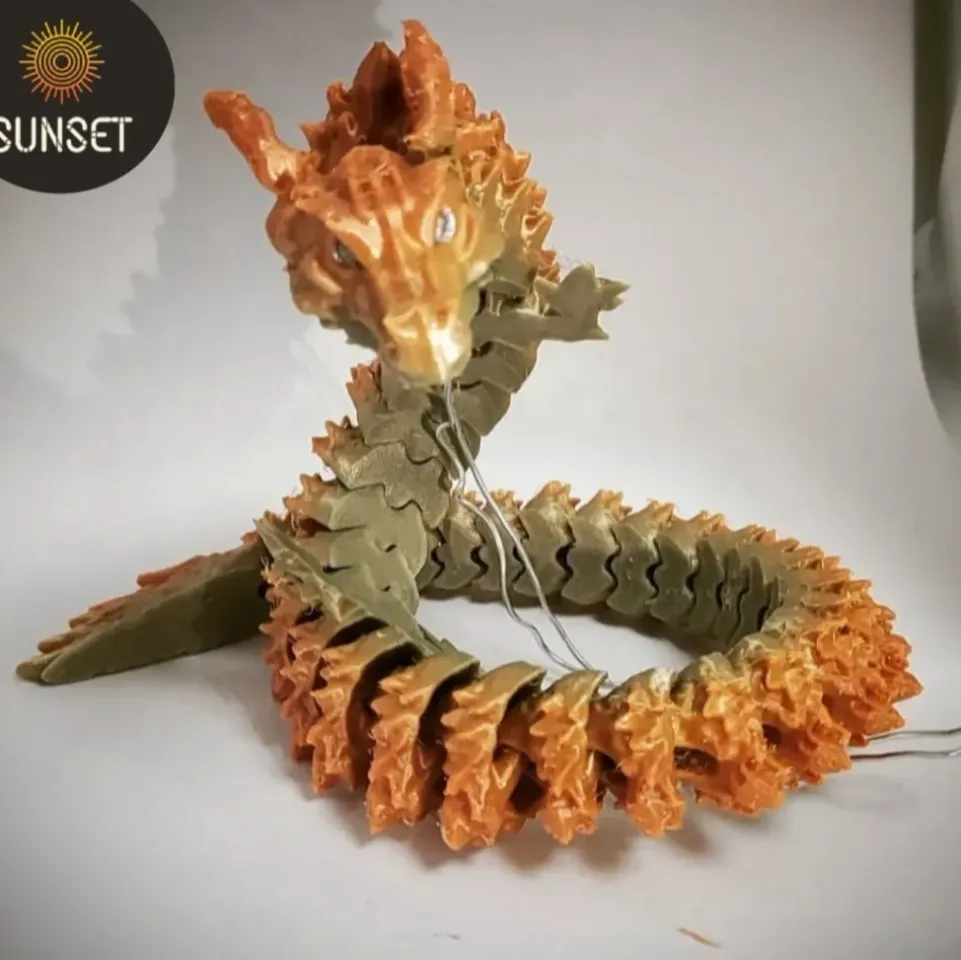
Articulated Spirit Dragon_ Dragon_No Support_Easy Output_Print at once
If you want to sell my model commercially, please check my patreon website https://patreon.com/sunset3d?utm_medium=soci
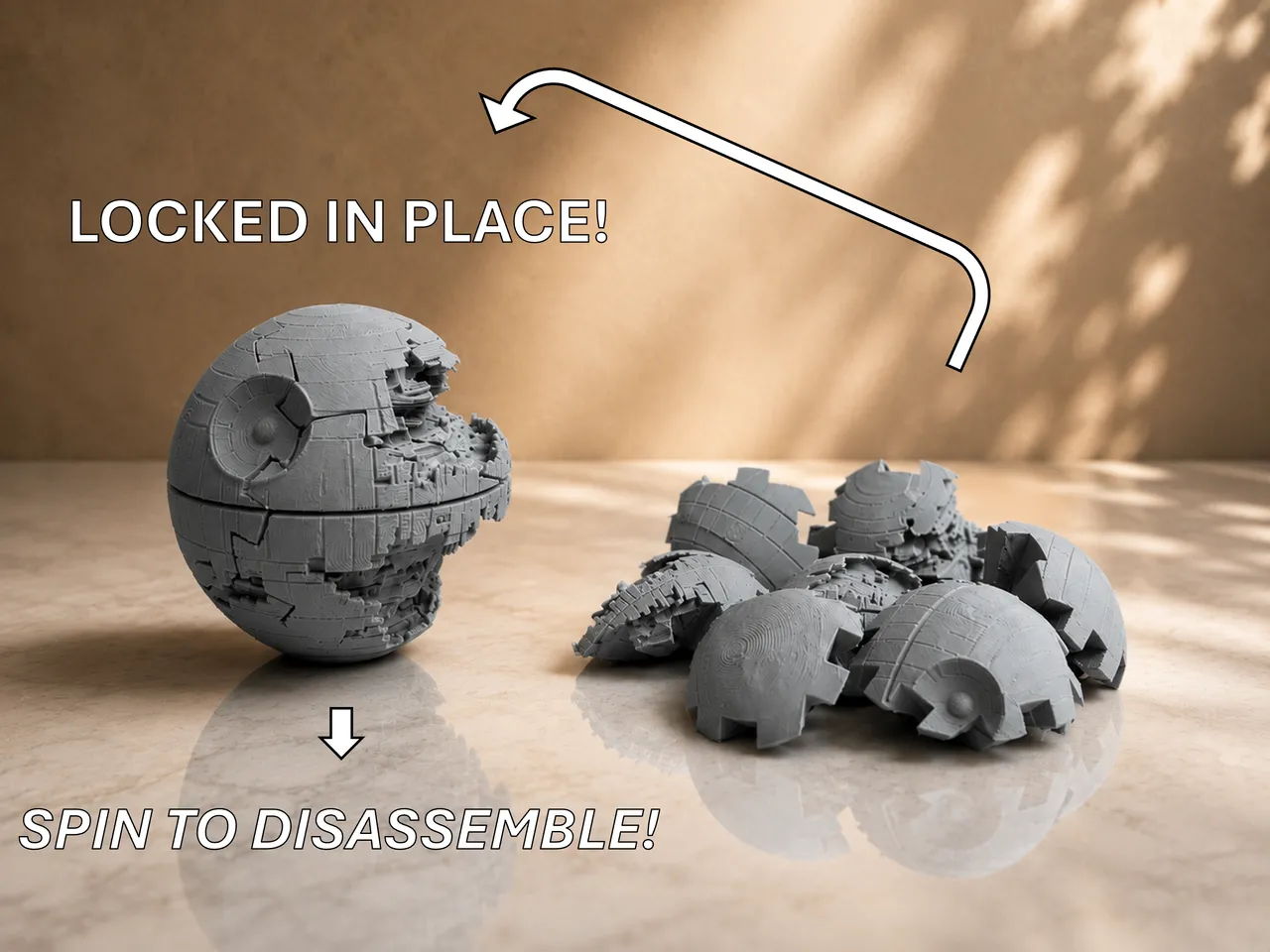
Death Star 3D Puzzle - Locks in place! Make it explode by spinning!
Enjoy my Death Star 3D Puzzle. It locks in place when assembled and can only be disassembled by spinning!
Beginner-Friendly Prints
Lower-risk recommendations that are easier to start and learn from.
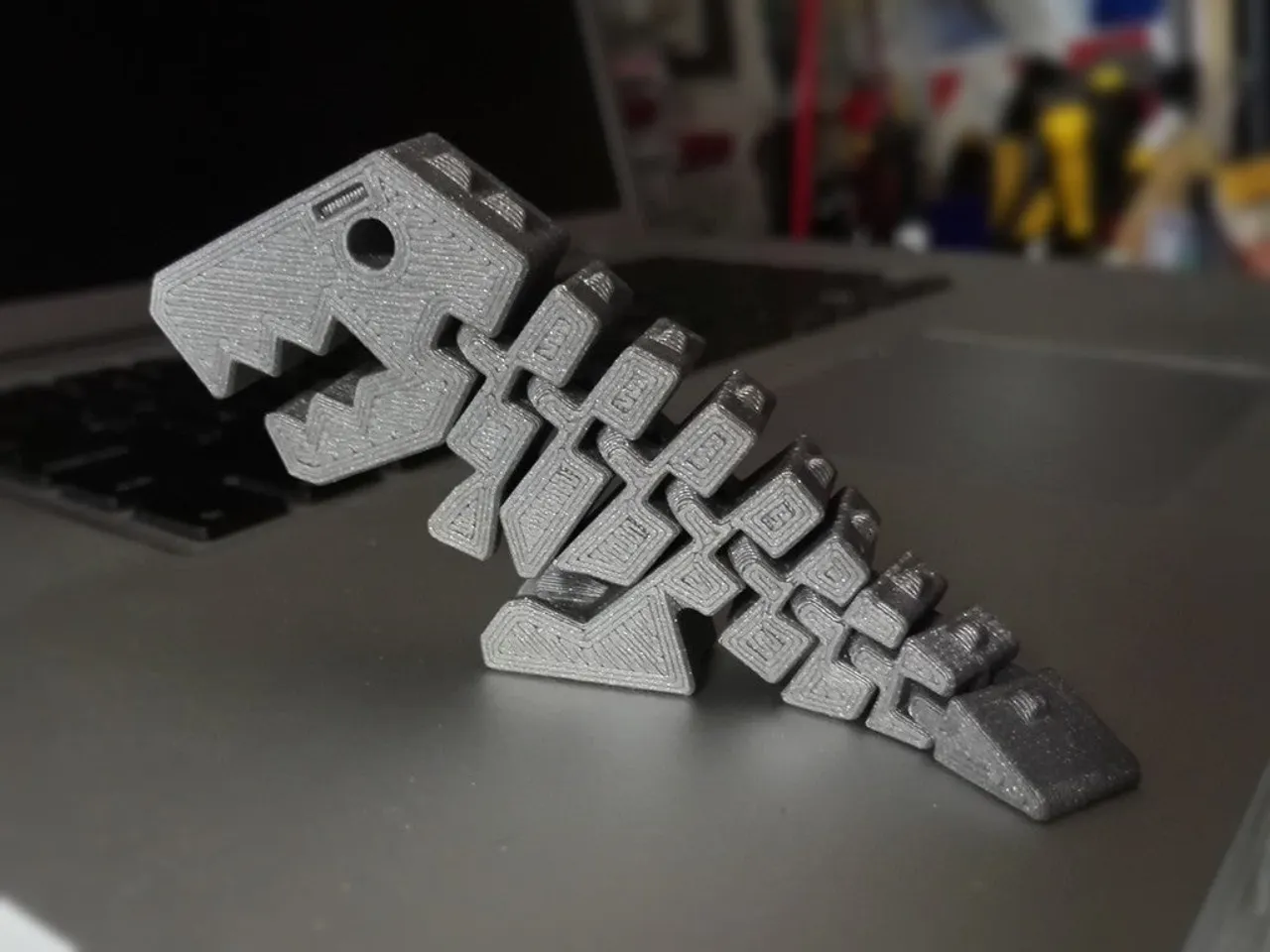
Flexi Rex With Stronger Links
The now ‘standard’ more robust and more balanced version of Kirbs' classic Flexi Rex model.
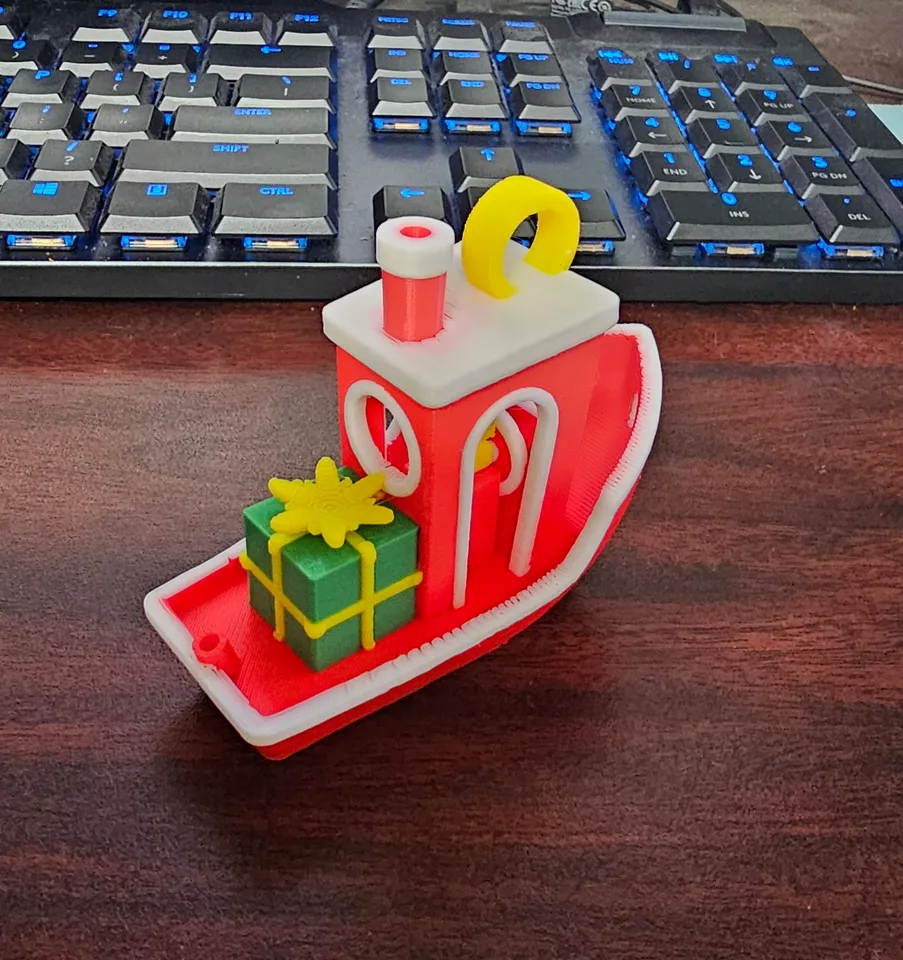
Christmas Benchy!
It's that time of year again, when all the followers of St. Jo hope that the Christmas Benchy will visit their home.
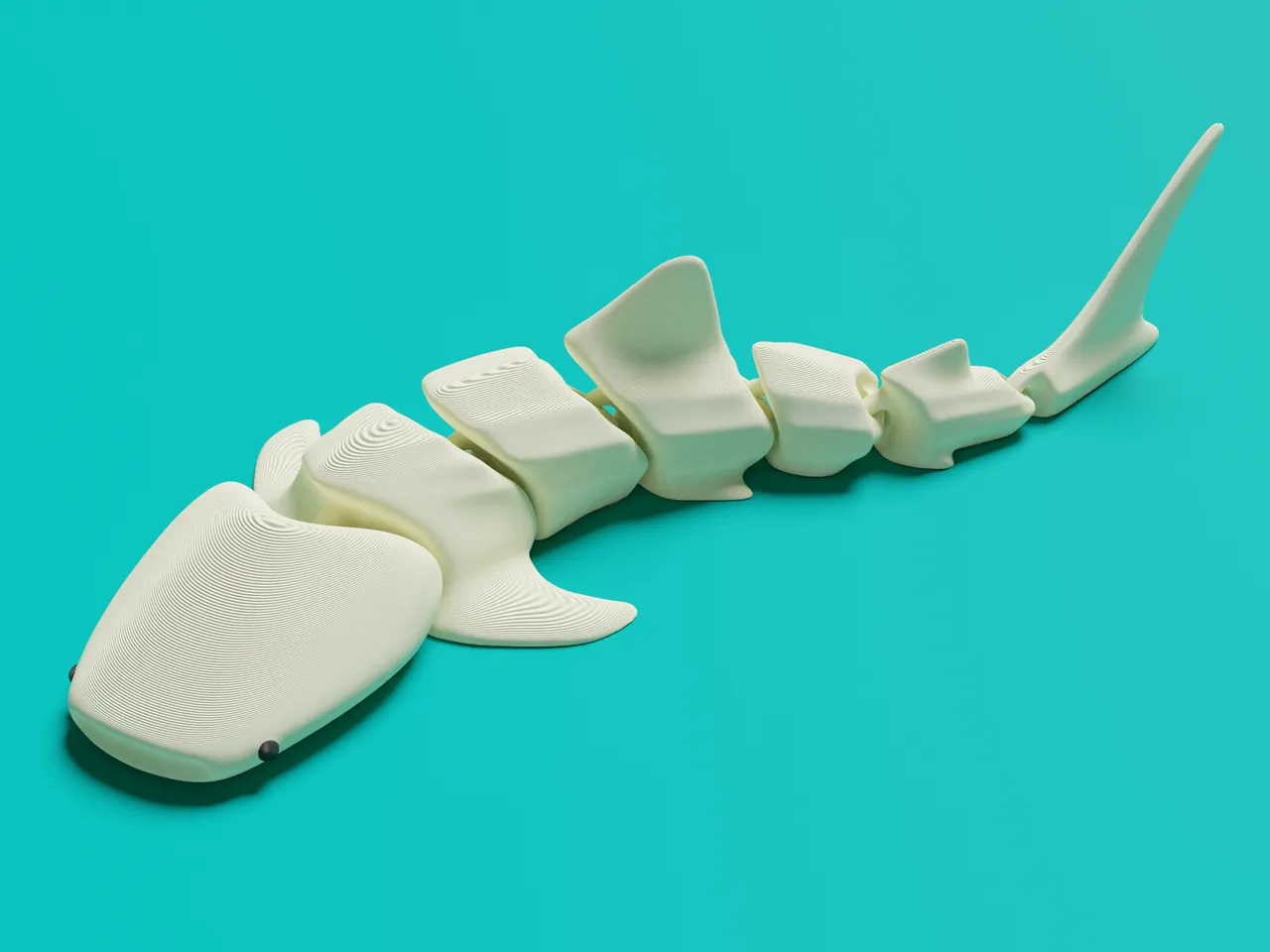
Articulated Whale Shark
Print in place, articulated happy Whale shark
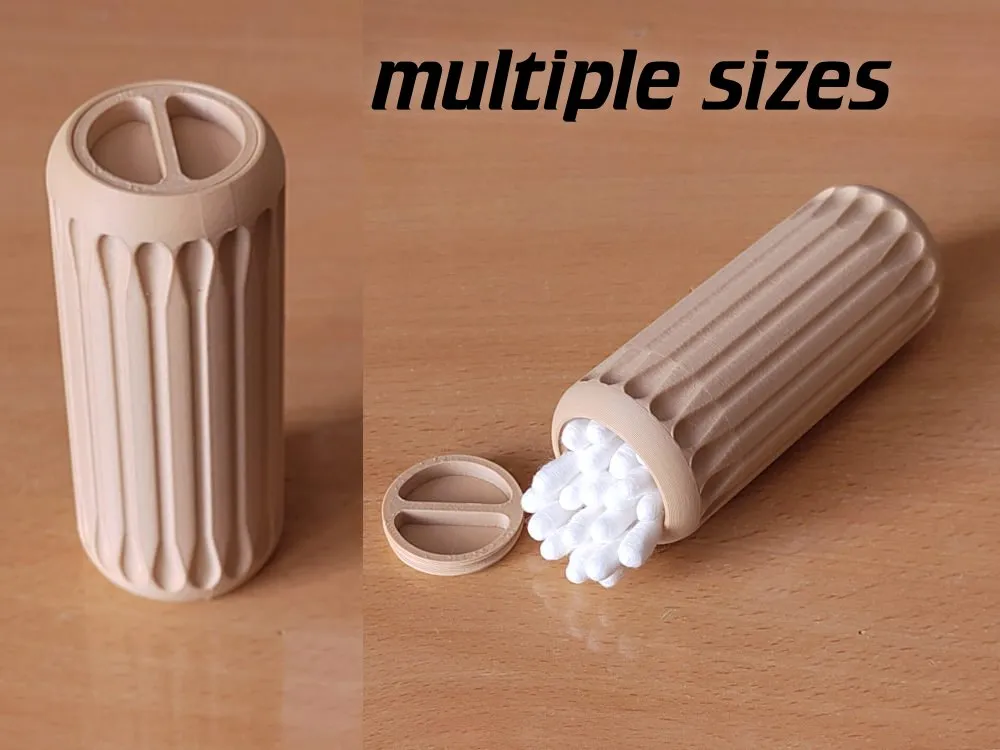
cotton swab / q-tip travel box
a nice rounded box for cotton swabs, various sizes
Popular categories
Browse Real Recommendation Categories
Only categories with live recommendations are shown here, so the page does not overpromise unsupported print types.
Decision method
How To Choose Your Next 3D Print
Start with the constraints you already have, then pick a model that fits them. PrintNext turns that process into a recommendation workflow.
Check Available Filament
Look at colors, materials, and remaining grams before choosing a model.
Check Your Printer
Confirm build volume, material support, nozzle setup, and print fit.
Decide Your Goal
Choose whether you want something useful, fun, decorative, educational, or giftable.
Match Available Time
Pick a quick print, evening print, or longer project based on your real schedule.
Record Your Print
Track material used, cost, completion date, notes, and project history.
Choose by time
What To Print Based On How Much Time You Have
Time is one of the fastest ways to narrow your next print. The live catalog currently supports many quick and small PLA recommendations.
Under 1 Hour
- Modern Desk Organizer / Pencil Holder
- cotton swab / q-tip travel box
- Articulated Lizard v2
- JUN - the Jungle Queen (visual benchy)
1-4 Hours
- Egg Dispenser
- Articulated Spirit Dragon_ Dragon_No Support_Easy Output_Print at once
- Death Star 3D Puzzle - Locks in place! Make it explode by spinning!
- Burger Press
4+ Hours
- Organizer for small items Wallganizer
- Water Dragon Articulated Dragon
- Design Moon Lamp
- Collapsing Katana Print In Place
Choose by filament
What To Print Based On Filament
The recommendation catalog is currently strongest for PLA, quick prints, small prints, and leftover filament planning. These existing guides explain the material decisions in more depth.
What To Print With PLA
PLA is the main material represented in the current recommendation catalog.
What To Print With PETG
Use the PETG guide for material planning; a PETG recommendation hub should wait until the catalog has enough live PETG recommendations.
What To Print With Leftover Filament
Use small print and remaining-grams thinking to turn partial spools into useful projects.
Choose by goal
What Kind Of Print Do You Want?
A better next print starts with a goal. These paths connect to supported recommendation hubs and existing guides.
I want something useful
Browse functional prints, organizers, clips, holders, and practical parts.
I want something fast
Browse quick prints from the live catalog.
I want to use leftover filament
Browse small prints and read the leftover filament guide.
I want something beginner-friendly
Browse lower-risk recommendations and beginner print guidance.
I want an articulated model
Browse flexi and print-in-place recommendations.
I want a dragon print
Browse live dragon recommendations.
I want home organization
Browse household helpers, holders, storage, and organization prints.
I want more ideas
Open the full recommendations catalog.
Avoid regret
Common Reasons Makers Regret A Print
A model can look perfect online and still be the wrong print for your setup. PrintNext is designed to check these issues before the print starts.
Wrong filament color
The model needs a color you do not own or a material that does not fit the job.
Not enough material
The spool looks close, but the model needs more grams than you have left.
Too much print time
The print does not fit the evening, weekend, or production window available.
Does not fit build volume
The model needs scaling, splitting, or a different printer before it is realistic.
Too difficult
The model requires tuning, supports, assembly, or color changes beyond the current goal.
No real use after printing
The model looked fun online but did not match a project, gift, space, or need.
Why PrintNext is different
Most Model Sites Show Everyone The Same Models
PrintNext is built around your setup. Recommendations become more useful when they connect to printers, projects, filament inventory, cost, time, and print history.
Printer compatibility
Check whether a recommendation fits the printer and build volume you plan to use.
Actual filament inventory
Match ideas against material, color, and remaining spool amount.
Cost estimates
Estimate material cost before starting the print.
Print time
Choose ideas that fit the time you have available.
Project context
Keep recommendations connected to private files and project notes.
Print history
Record completed prints so future choices are easier to repeat or improve.
FAQ
Common Questions About Choosing Your Next 3D Print
What should I 3D print as a beginner?
Good beginner prints include a calibration cube, Benchy-style boat, phone stand, cable clip, small organizer, simple planter, or name plate. Choose a model that prints in one material, has limited supports, and fits your printer easily.
How do I find something useful to 3D print?
Look for small problems near your desk, printer, kitchen, workshop, or storage areas. Useful 3D prints often include hooks, clips, dividers, labels, trays, replacement knobs, brackets, and cable guides.
What should I 3D print when I am bored?
Choose a short print with a clear payoff, such as a flexi toy, desk object, planter, small gift, cable organizer, printer accessory, or quick calibration challenge.
What should I print with leftover PLA?
Leftover PLA is good for small organizers, color swatches, clips, labels, hooks, test pieces, replacement parts, and compact decorative models. Check the estimated grams before starting.
What should I print with leftover filament?
Use leftover filament for small parts with predictable material use: clips, brackets, keychains, sample tiles, calibration pieces, small toys, drawer labels, and workshop accessories.
What should I print in a single color?
Single-color prints work well for functional parts, organizers, planters, display stands, phone holders, tool trays, cable clips, and many flexi toys. Shape and usefulness matter more than color count.
What is a good first print for a new 3D printer?
Start with a first-layer test, calibration cube, Benchy-style boat, or simple manufacturer sample. These prints help confirm bed adhesion, dimensional accuracy, cooling, and basic slicer settings.
How do I know if a model will fit my printer?
Check the model dimensions against your printer build volume before slicing. If the model is too large, you may need to scale it, split it into parts, or choose a different printer.
Make the choice with three constraints
Write down one useful outcome, the filament you can use today, and the time you have. A desk organizer, 120 g of PLA, and a free evening form a practical brief. Compare a few candidates, then slice the strongest one before deciding. Model popularity does not tell you whether its size, supports, or duration fit that brief.
- Check the source page for assembly notes and the exact file variant.
- Verify dimensions and full material use in your own slicer.
- Save promising alternatives with a reason to revisit them instead of downloading everything.
Turn your setup into better recommendations
PrintNext matches recommendations to your printers, projects, and filament inventory so you can spend less time searching and more time printing.
Related guides
Keep Choosing With Better Context
Start Here
Beginner 3D Printing Guide
New to 3D printing? Learn how 3D printers work, how to choose filament, prepare models, slice files, and complete your first successful print.
Workspace & Cost Planning
The PrintNext Workflow
Follow a complete 3D printing workflow from an idea or STL through project organization, printer and filament checks, model preparation, slicing, printing, cost tracking, and results.
Workspace & Cost Planning
How to Organize STL Files
A practical system for organizing STL files, 3MF projects, print notes, filament choices, and finished 3D printing projects.
Filament & Materials
How to Choose Filament
Choose the right 3D printer filament by matching material properties to the print use case, printer setup, strength needs, and environment.
Workspace & Cost Planning
How Much Filament a Print Uses
Learn what affects filament usage in 3D printing, including scale, infill, walls, supports, layer height, and multi-color purge.
Workspace & Cost Planning
How Much Does a 3D Print Cost
Learn how to calculate the true cost of a 3D print, including filament, electricity, failed prints, machine wear, and project planning.
Workspace & Cost Planning
Track and Manage Filament Inventory
Track each filament spool by material, color, and remaining weight. Plan multicolor jobs, reconcile inventory, and avoid running out mid-print.