What kinds of text prompts work best?
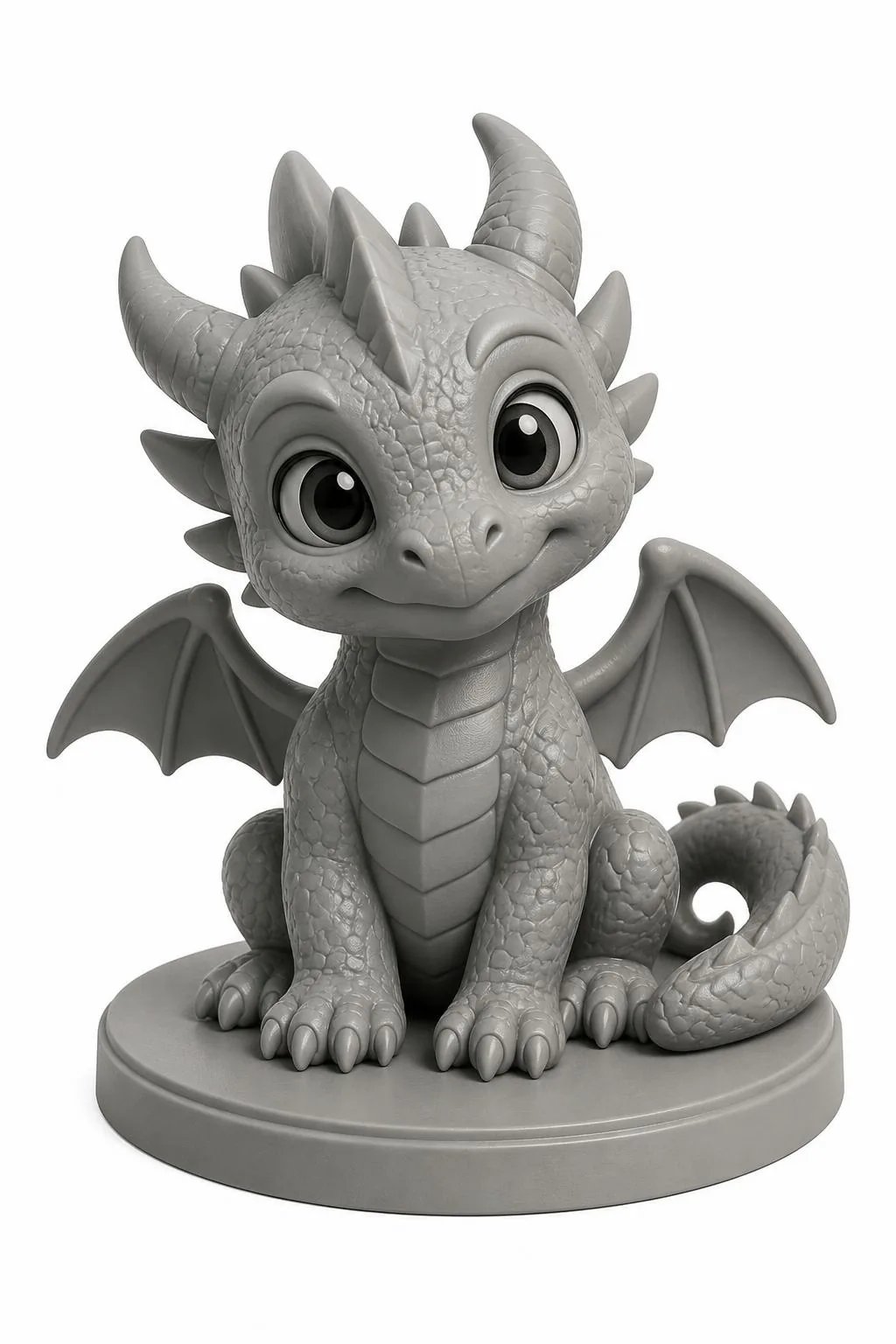
Clear visual subjects such as characters, creatures, figurines, gifts, decorations, and display models work best. Include the subject, pose, important shapes, and details that should remain printable.
PrintNext Create Studio
Describe a character, creature, decoration, gift, or display model. PrintNext turns the idea into a visual preview and printable STL, then connects it to Color Studio for multicolor 3MF preparation.
Complete PrintNext workflow
The page uses the real Create Studio workflow. Write the idea, review the generated preview, create the 3D geometry, download the STL, or continue into Color Studio and verify the multicolor 3MF in your slicer.
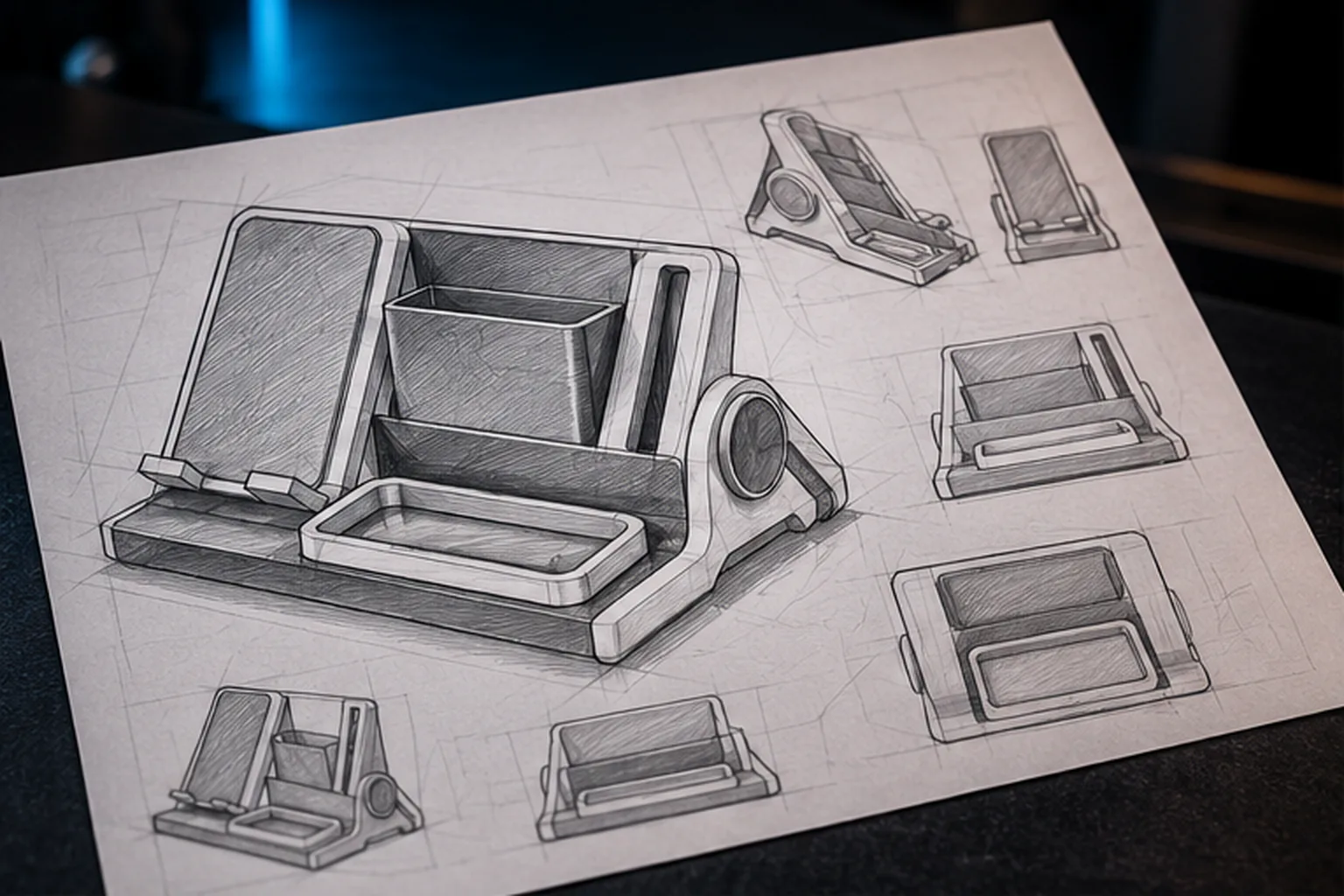
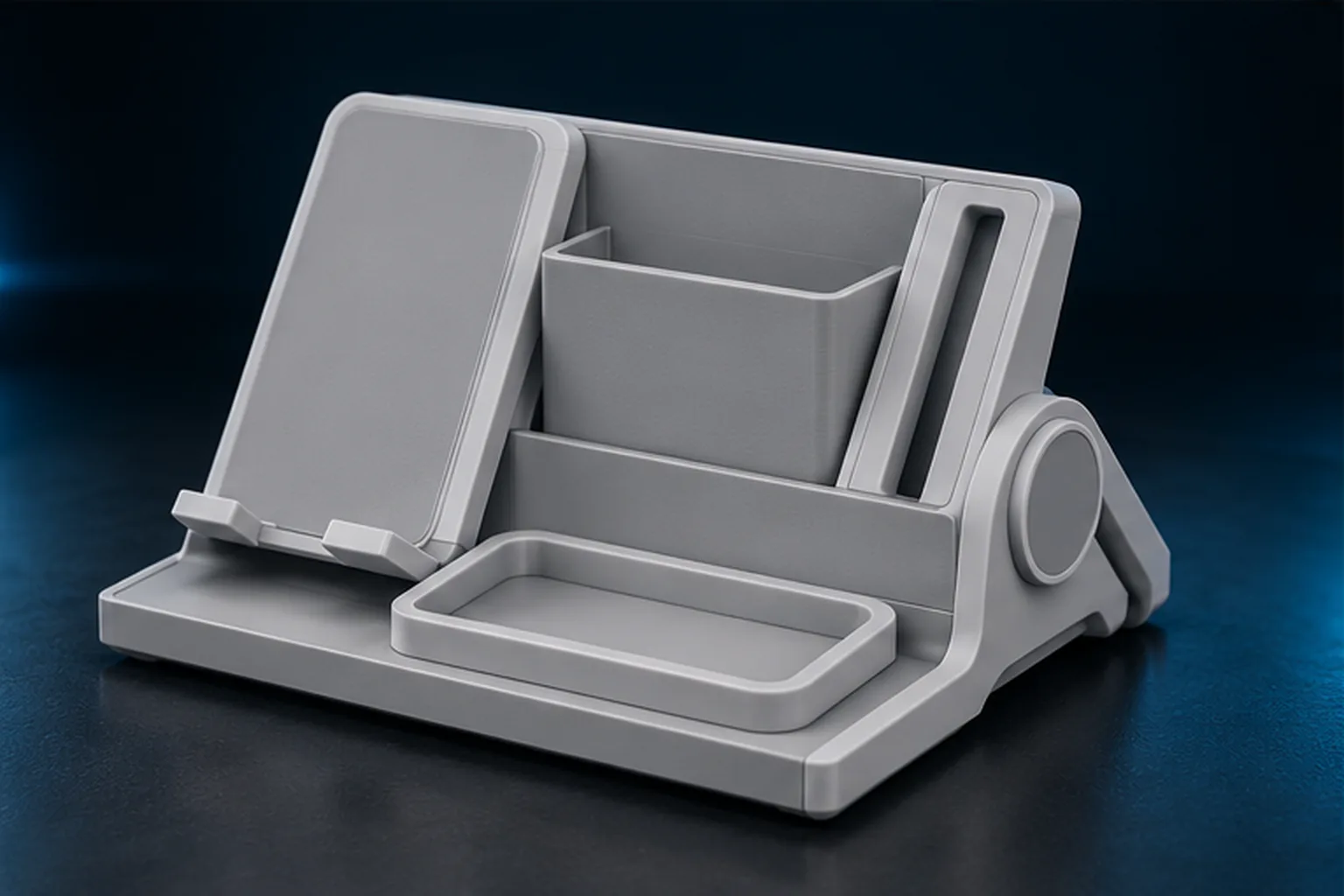
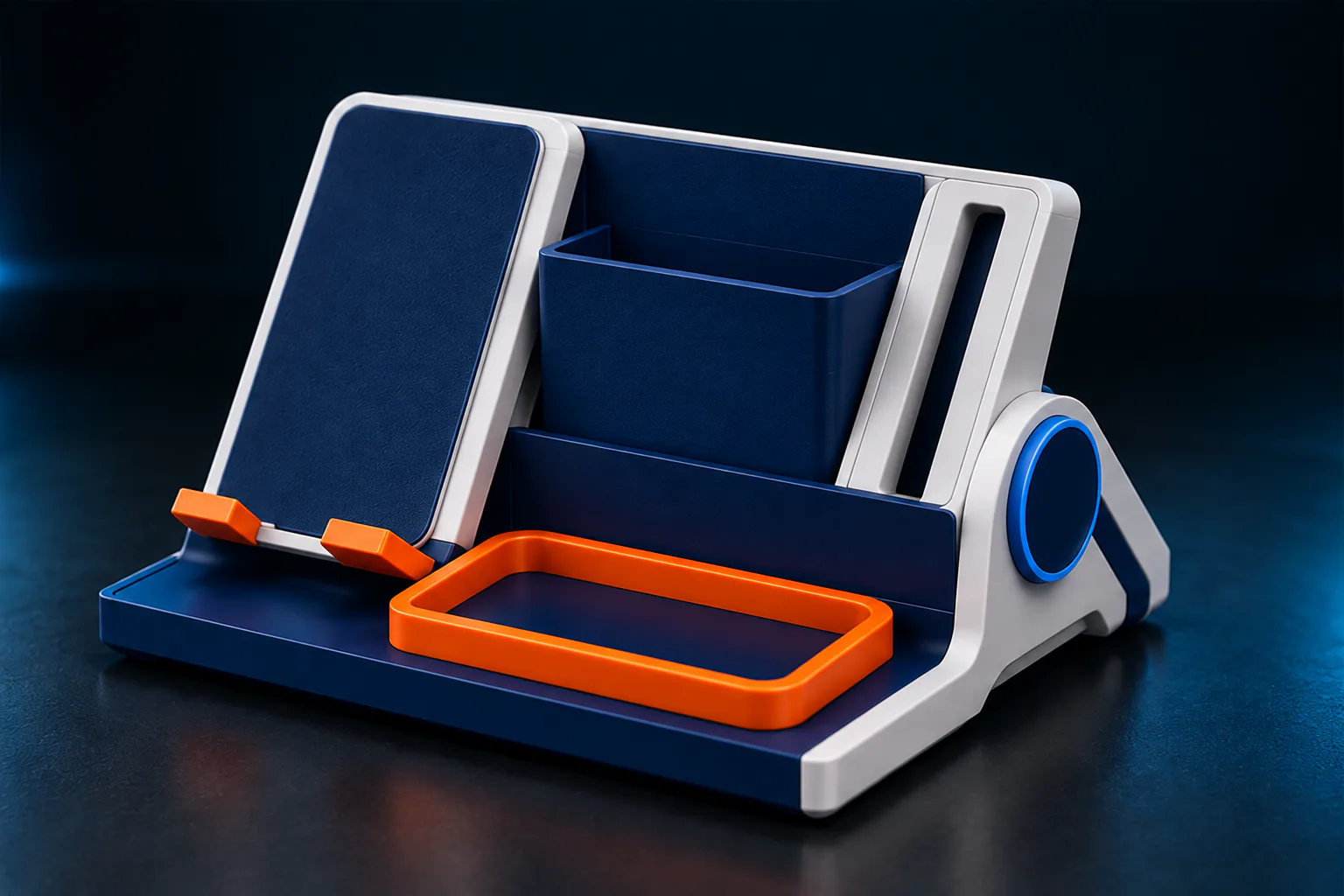
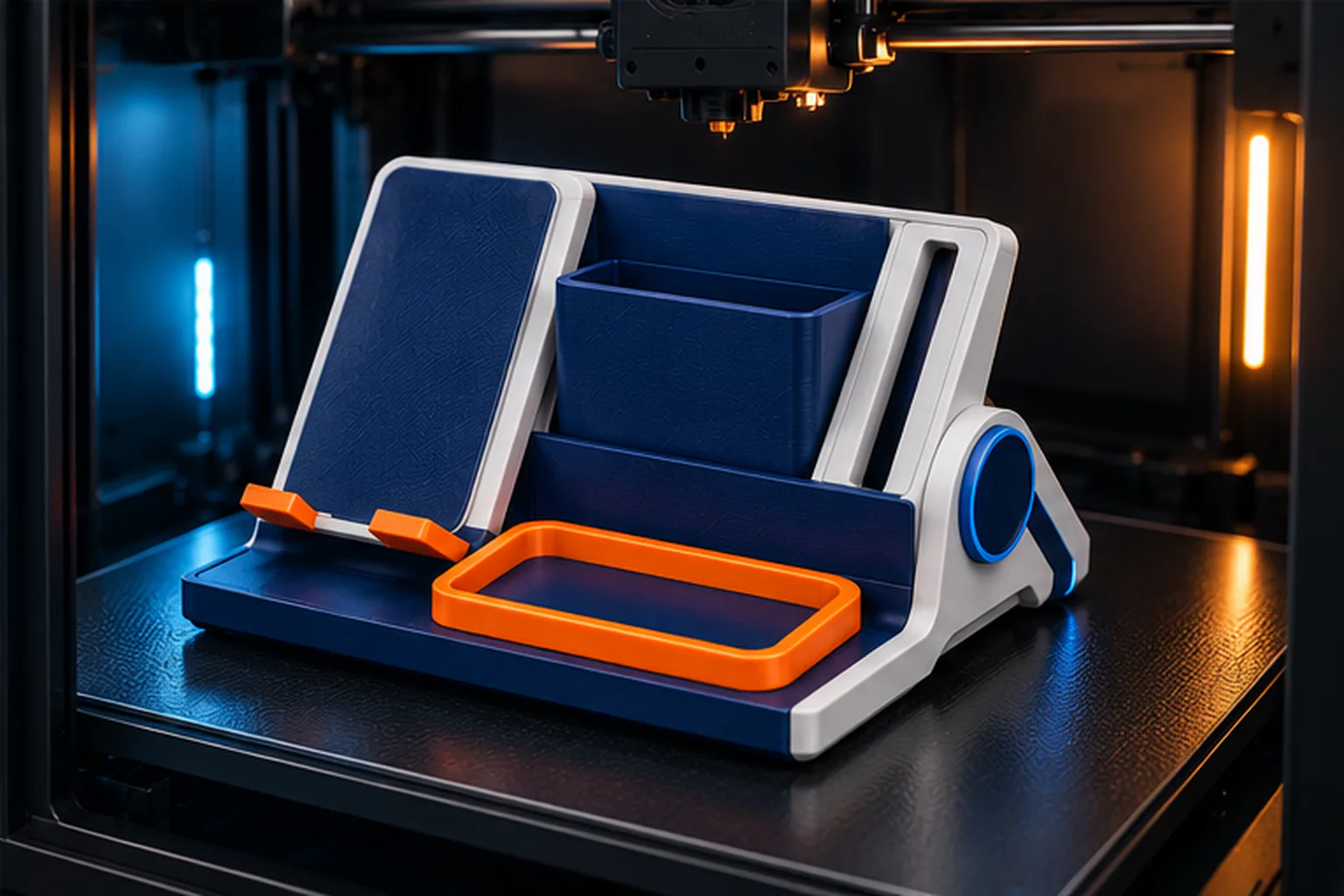
Text to printable geometry
Yes. Create Studio converts a written visual concept into an approved image and then three-dimensional geometry. The result is an STL intended for review, sizing, printer-fit checks, and final verification in a slicer.
Clear visual subjects such as characters, creatures, figurines, gifts, decorations, and display models work best. Include the subject, pose, important shapes, and details that should remain printable.
The model can be sized against an active printer profile, but orientation, supports, material, tolerances, and slicing settings still need to be verified for the target printer.
Yes. Continue the STL into Color Studio for automatic or manual coloring, match the design to real filament colors, and export a slicer-ready multicolor 3MF.
No. Text generation is best for visual models. Dimension-critical fits, safety-critical parts, and engineered assemblies should use a precise CAD workflow and physical validation.
One connected path carries the idea into a model without pretending that generative geometry replaces final print verification.
Input
Describe the subject and the details that matter instead of constructing the mesh vertex by vertex.
Output
Download the STL, save it in Private Workspace, or continue directly into the coloring workflow.
Next step
Prepare color assignments in 3MF, then confirm material mapping, scale, supports, and toolpaths in the slicer.