
Choosing What To Print Next

Best Things To 3D Print For Beginners

Choose beginner-friendly 3D prints that are simple, practical, quick to print, unlikely to fail, and realistic for the printer and filament you already have.

Last updated 2026-06-17 / Reviewed by PrintNext Team

Workflow

Step 1

Check filament

Step 2

Check print size

Step 3

Estimate print time

Step 4

Start simple

Step 5

Print and inspect

Step 6

Track results

Why beginners should start small

Starting small improves print success, keeps filament usage low, shortens feedback loops, and makes troubleshooting easier. A good beginner print teaches you something without punishing small mistakes.

  • Choose models with simple geometry and proven printability.
  • Start with PLA when possible because it is forgiving on many desktop printers.
  • Avoid models with tiny fragile details, extreme overhangs, or complicated supports.
  • Pick prints that finish quickly enough for you to inspect, learn, and try again.

10 best beginner prints

Beginner prints do not have to be boring. The strongest first projects are useful enough to keep, simple enough to finish, and clear enough to teach you what your printer is doing.

  • Calibration cube: teaches dimensional accuracy, extrusion, and whether axes are moving correctly.
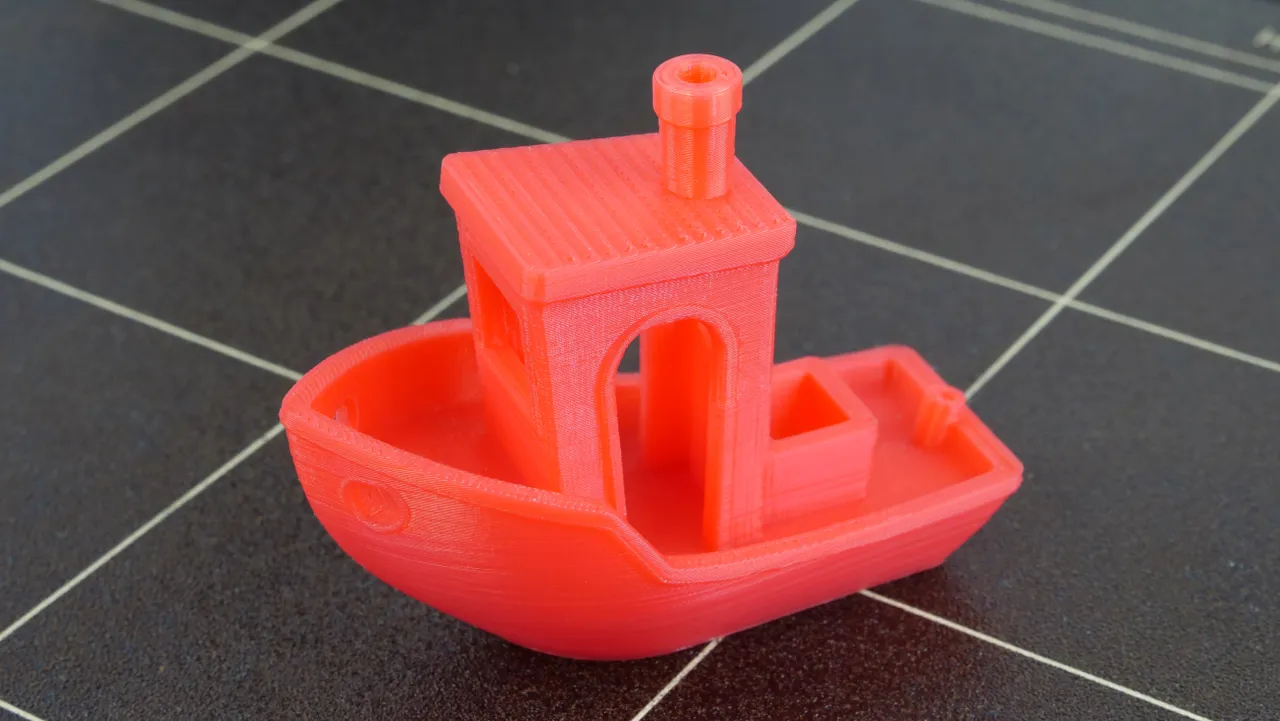
  • Benchy boat: shows cooling, bridging, overhangs, surface quality, and slicer behavior in one small model.
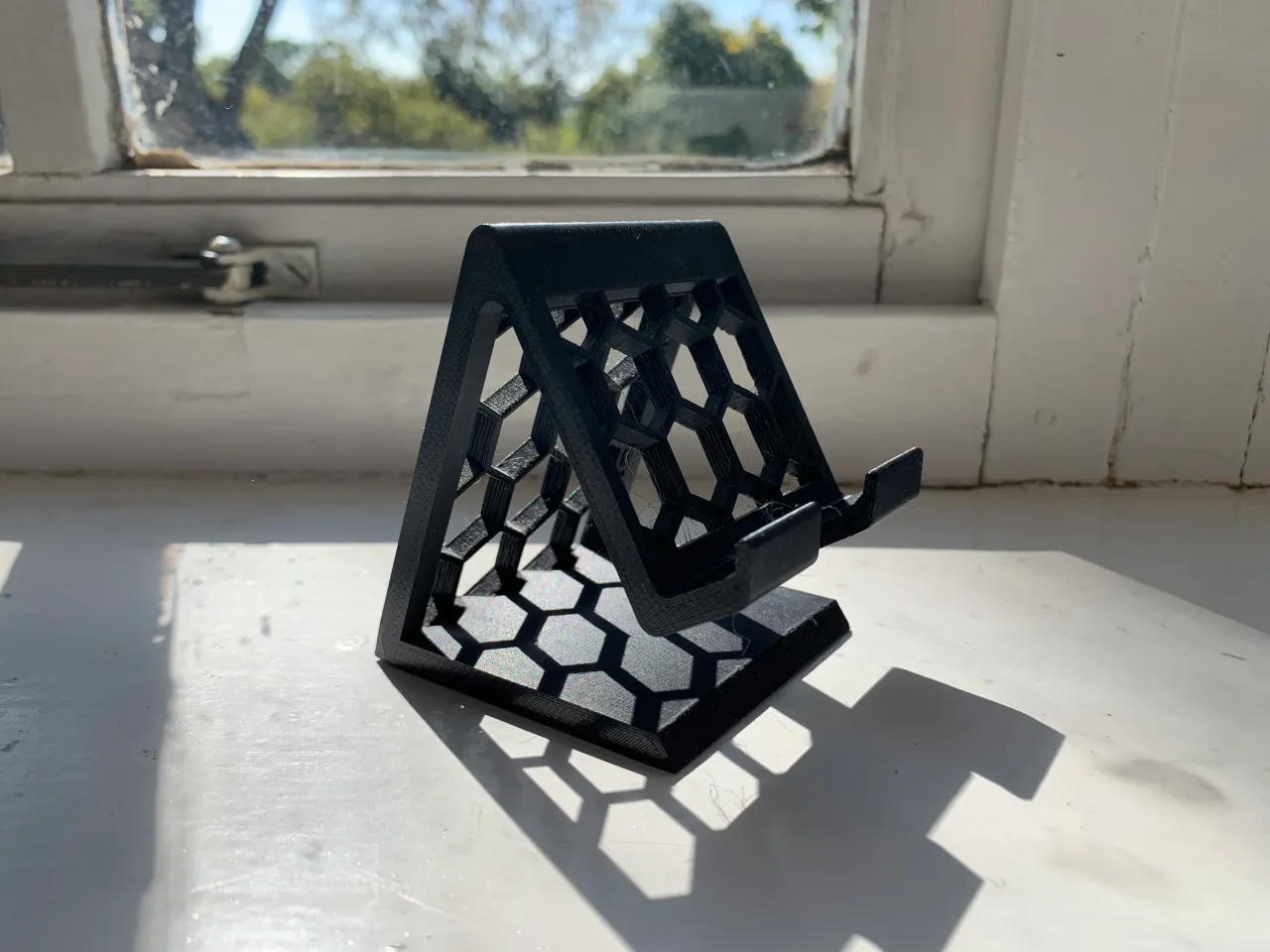
  • Phone stand: gives you a useful object while teaching angles, bed adhesion, and simple supports if needed.
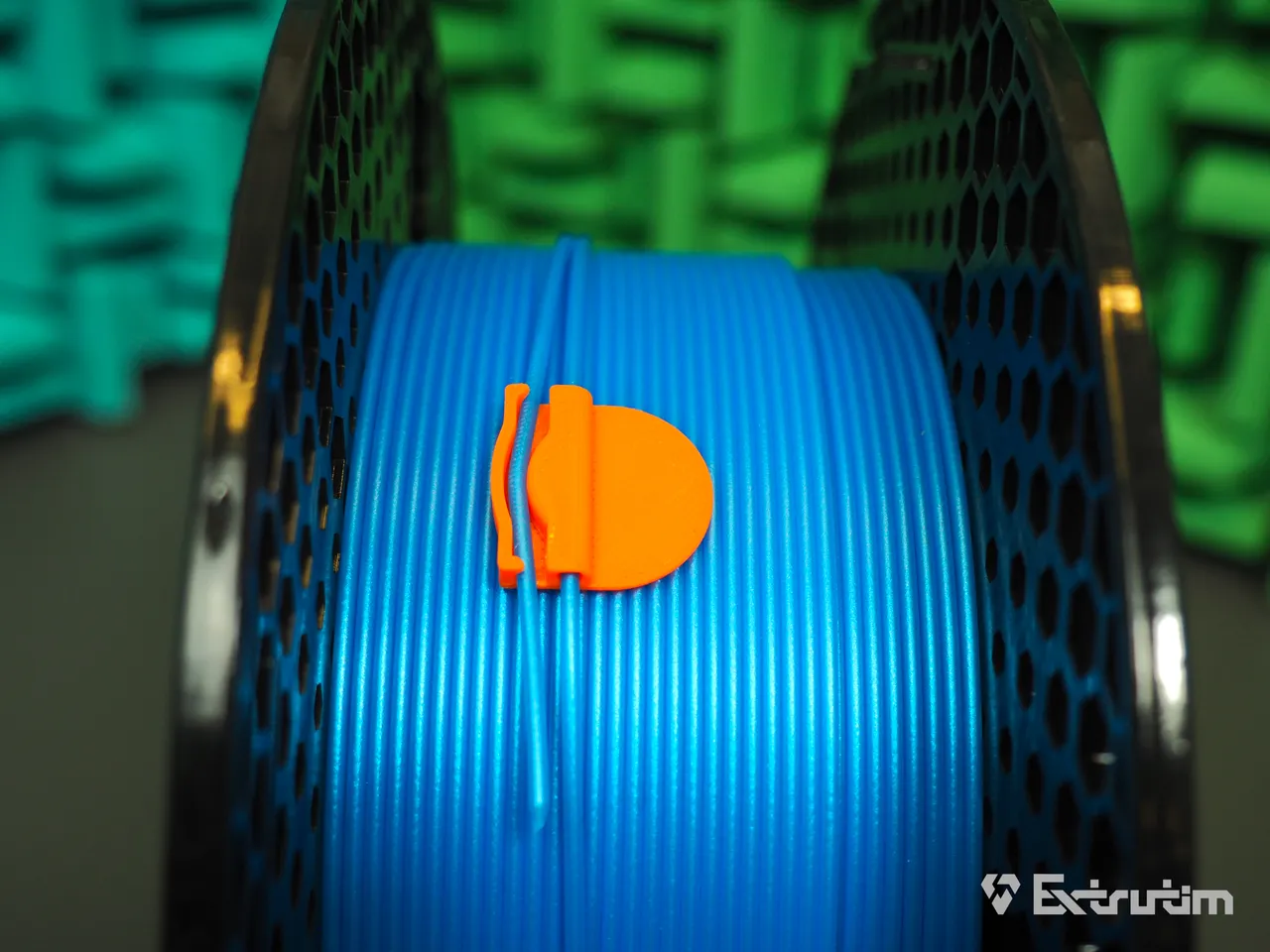
  • Cable clip: prints quickly, uses little filament, and solves a real desk or printer-area problem.
  • Storage tray: teaches flat surfaces, corners, and practical sizing.
  • Keychain: a fast personalization project with low risk and easy reprints.
  • Plant label: useful, simple, and good for leftover PLA.
  • Coaster: teaches top-surface quality and simple two-color ideas.
  • Desk organizer: turns a few hours of printing into an object you can use daily.
  • Simple articulated toy: fun after the printer is reliable, especially with proven no-support models.

Beginner prints by filament type

PLA is the best beginner material for most people because it is affordable, forgiving, and widely supported. PETG can be a good second step for tougher practical parts. TPU is useful, but it is usually not the best first material because flexible filament can require slower speeds and more tuning.

MaterialBest beginner useBeginner note
PLACalibration prints, phone stands, coasters, cable clips, organizers, keychainsBest first material for most desktop printers.
PETGSoap dishes, hooks, holders, clips, and tougher utility partsSlightly harder than PLA because of stringing and adhesion behavior.
TPUFeet, bumpers, soft grips, flexible capsNot recommended as a first print material unless your printer is already tuned for flexibles.

Beginner prints by goal

The right first print depends on what you want to learn. A calibration model teaches printer setup. A useful object teaches fit and function. A small gift teaches finish, color, and reliability.

GoalGood beginner printsWhy it helps
Learn your printerCalibration cube, first-layer square, Benchy-style testShows bed adhesion, cooling, dimensional accuracy, and basic slicer setup.
Make something usefulCable clip, phone stand, small organizer, bag clipCreates a real object without a complex model.
Use leftover filamentBookmark, plant marker, keychain, label, small hookTeaches material planning with low risk.
Organize your workspaceNozzle tray, scraper holder, SD card box, tool standImproves the printing area and gives a practical win.
Try a fun printSimple fidget, flexi toy, desk figure, small giftMakes printing feel rewarding without a huge time commitment.

What beginners should avoid at first

A lot of popular models are not good first prints. They may require perfect supports, long print times, tight tolerances, multi-color changes, or material experience that a new maker has not built yet.

  • Avoid large helmets, multi-day prints, and big articulated models until basic reliability is proven.
  • Avoid tiny miniatures with fragile details if you are still learning first-layer and support behavior.
  • Avoid support-heavy models when you have not learned support settings and removal yet.
  • Avoid functional load-bearing parts until you understand material choice, orientation, walls, and infill.
  • Avoid expensive specialty filament until PLA or basic PETG prints reliably on your printer.

How to choose your next beginner print

Start with what you already own. Check your filament, printer size, available time, and the small problems around your desk or printer area. A good first useful print is something you can complete, inspect, and use the same day.

QuestionBeginner-friendly answerPrintNext connection
What filament do I have?PLA is the safest first choice for most makers.Inventory shows colors and remaining grams.
How big should it be?Small enough to finish in a few hours.Printer profiles and estimates help avoid oversized jobs.
Does it need supports?Prefer no supports or simple supports at first.Project notes help record what worked.
Will I use it?Choose something for your desk, printer, storage, or daily routine.Recommendations can surface useful ideas matched to your setup.

How PrintNext helps beginners pick better prints

Most beginner lists are generic. PrintNext is built around your actual setup: the printer you own, the filament on your shelf, the cost and time of the print, and the projects you want to finish. That helps beginners choose prints that are more likely to succeed.

PrintNext areaHow it helps beginners
RecommendationsFind print ideas that match your printer, filament, and readiness.
Filament InventoryUse the material and colors you already own instead of guessing.
PrintersCheck build volume and material capability before starting.
Cost CalculatorEstimate filament, time, and cost before a print becomes a surprise.
Private WorkspaceSave files, notes, links, and finished results as you learn.

FAQ

Common questions

What should my first 3D print be?

A good first print is a calibration cube, first-layer test, Benchy-style boat, phone stand, cable clip, small organizer, or another simple proven model that uses PLA and has limited supports.

What is the easiest thing to 3D print?

Simple flat or blocky objects are easiest: calibration cubes, first-layer squares, bookmarks, labels, cable clips, and small trays. They help you learn printer behavior without complex supports.

What filament should beginners use?

PLA is usually the best beginner filament because it is affordable, widely available, and forgiving on many desktop printers.

Should beginners print useful things or test prints first?

Both are helpful. Start with a quick test to confirm the printer works, then move to a small useful object so you learn while making something worth keeping.

How does PrintNext help beginners decide what to print?

PrintNext connects recommendations, printer fit, filament inventory, cost estimates, projects, and print history so beginners can choose prints that fit the setup they already have.

Continue learning

Related PrintNext guides

These pages connect the same workflow from file format decisions to color planning, inventory, and print cost.

View all guides

Choosing What To Print Next

What Should I 3D Print Next?

Not sure what to 3D print next? Learn how to choose your next 3D printing project based on your printer, filament, remaining material, time, cost, skill level, and goals.

Choosing What To Print Next

What To Print With PLA

Choose practical PLA 3D prints that match the colors, spool amounts, printer, and time you already have available.

Choosing What To Print Next

What To Print With Leftover Filament

Use leftover filament for practical 3D prints that match the material, color, and grams you already have instead of letting partial spools sit unused.

Start Here

Beginner 3D Printing Guide

New to 3D printing? Learn how 3D printers work, how to choose filament, prepare models, slice files, and complete your first successful print.

Start Here

How to Open STL Files

Learn how to open STL files in slicers and 3D printing tools, check scale and printability, and prepare the model for printing or 3MF export.

Start Here

What Is a Slicer?

Learn what slicer software does in 3D printing, how it turns STL or 3MF files into printer instructions, and what settings beginners should check.

Troubleshooting & Quality

How to Fix Failed 3D Prints

Diagnose failed 3D prints with practical fixes for bed adhesion, stringing, warping, layer shifts, under extrusion, supports, and wet filament.

Workspace & Cost Planning

The PrintNext Workflow

Learn how to organize models, manage filament inventory, prepare files, track costs, and record completed prints with a connected 3D printing workflow.