3D model creation and coloring demo
See PrintNext in Action
Explore the illustrated PrintNext workflow—from an idea or image to a 3D model, color, private storage, and a finished print.

See what you can make
Your idea. Your model. Your print.
Go from your first idea to a model you can print—with creation, coloring, and printing tools in one place.
Create
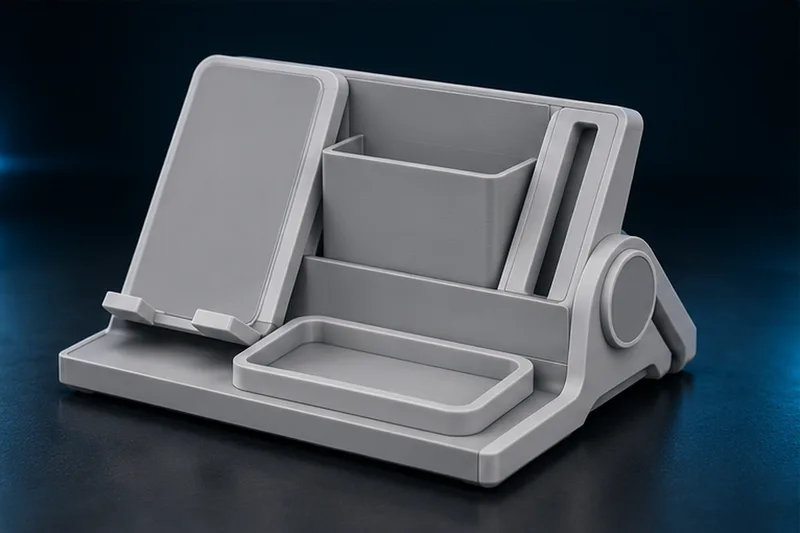
Describe your idea or upload an image in Create Studio. Review the concept, build the 3D model, and download an STL or continue into Color Studio.
Start CreatingColor
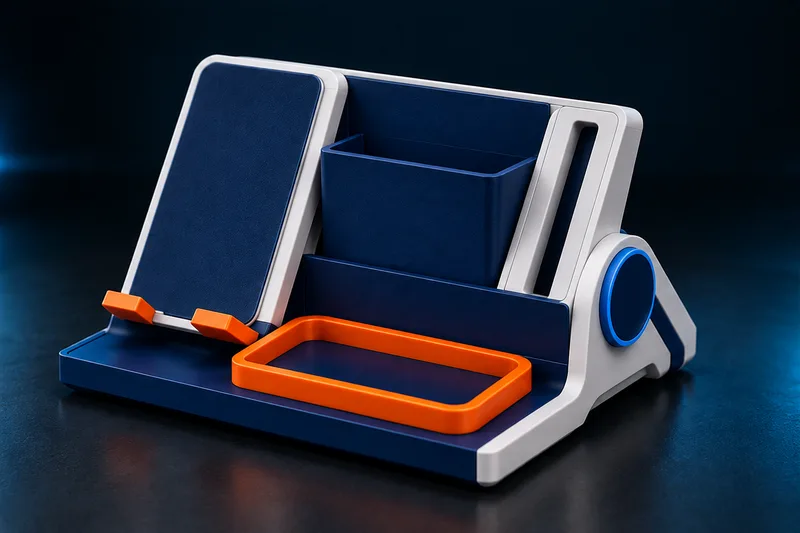
Open your new model or upload an STL or supported 3MF. Add color automatically or paint by hand, then export a multicolor 3MF for your slicer.
Color a Model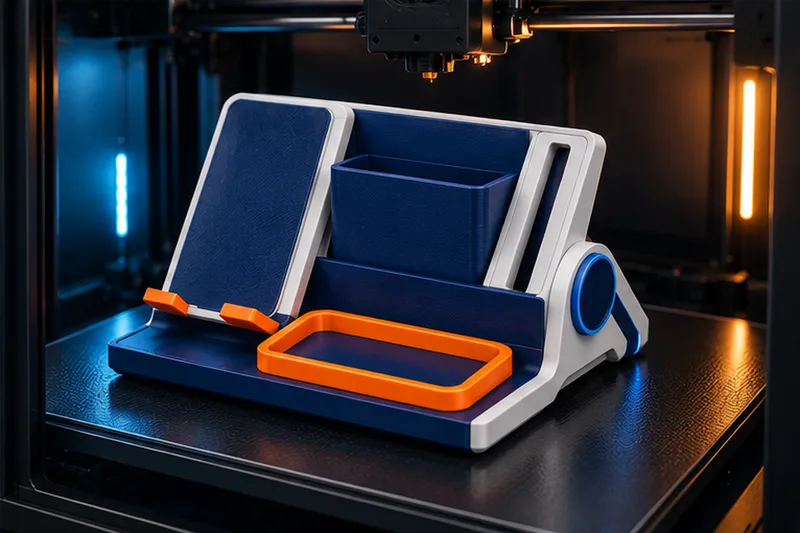
Review scale, supports, colors, and print settings in your slicer before printing at home. Or use Get It Printed to order a full-color model delivered to you.
Get It PrintedBefore you start creating
- Can I use a 3D model I already have?
- Yes. Upload an STL or supported 3MF in Color Studio to start with your existing model. You can also keep your files and projects together in your private model library, alongside your printing workflow.
- Do I need my own 3D printer?
- No. You can prepare files for your own printer, or use Get It Printed for a full-color print shipped to you. The PrintNext workflow guide explains how creation, coloring, storage, printers, and materials connect.
- Is a PrintNext account free?
- You can create a Free account to organize your setup and try the core tools. Model generation uses PrintNext Credits, and physical print orders are purchased separately. See plans and credit packages for current allowances.
Ready to make yours?
Create your free account to start organizing your models and explore the PrintNext tools.
Create Your Free PrintNext Account