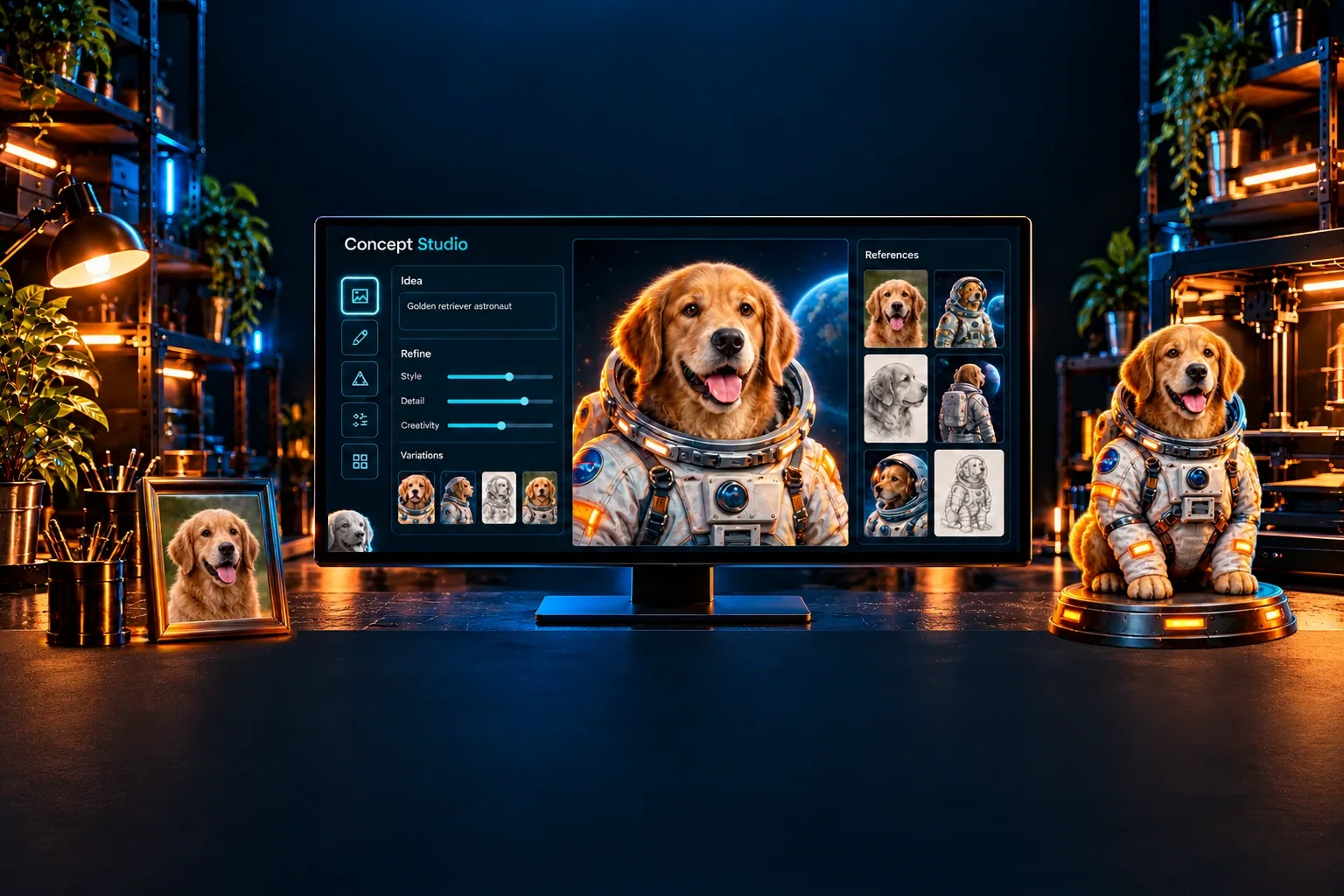
Imagine Studio
Find your idea.
See its potential.
Turn words or photos into a visual starting point.
Explore looks, refine the details and approve a concept image before creating your 3D model.
A visual starting point for your next 3D model.
Explore an original character, a pet figurine, a family keepsake or a useful object. Imagine Studio helps you decide what you want your model to look like before you generate its geometry.
A concept is an image, not a finished printable model or an exact scan. Review the result, refine your preferred direction, then approve the reference. Approval does not generate or charge for a 3D model.
Create four starting options for 1 PrintNext Credit. Each Refine or Explore request also creates four options for 1 PrintNext Credit. Model generation and automatic coloring have separate costs shown before you start. Professional printing and shipping are quoted separately. View plans and PrintNext Credits.
- 01 · Choose your starting point
Describe an idea, transform a photo, or bring an existing image. Use photos and artwork you have permission to use.
- 02 · Explore and approve
Compare your concept images and refine the details. A prepared image can be used as your reference without purchasing another generated concept.
- 03 · Continue into 3D
Use Auto Generation Studio for your own 3D printing workflow, or use Premium Studio for a full-color model you can download or order professionally printed and delivered. Save and revisit your concepts in Workspace.