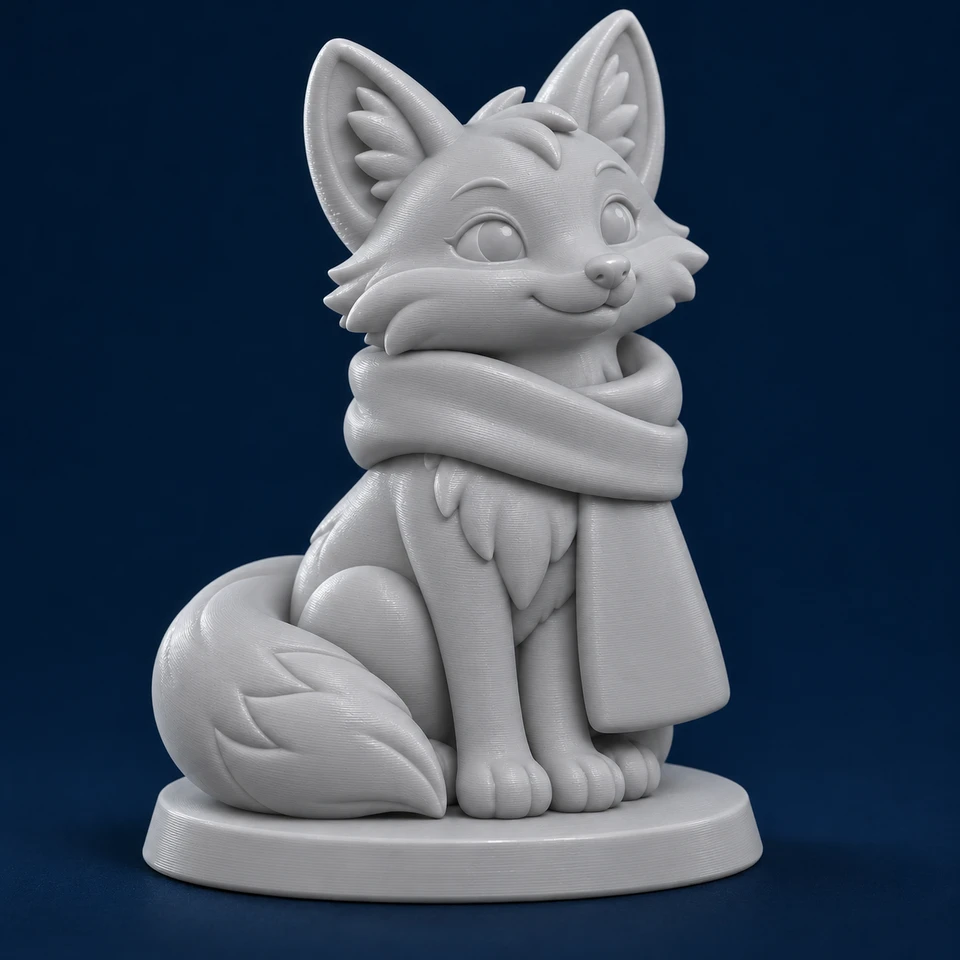
01
Start With Your Model.
Upload your model and imagine the possibilities.

PRINTNEXT AUTOMATIC COLOR STUDIO
Make It Uniquely Yours. Create Something You’ll Be Proud To Print.
PrintNext Makes It Easy To Automatically Create Multicolor 3D Models.
Skip Hours Of Manual Coloring In Slicers With PrintNext Advanced AI-Powered Auto Color Studio. Automatically Color, Paint, Refine, & Personalize 3D Models For Multicolor 3MF 3D Printing.
Skip Hours Of Manual Coloring.
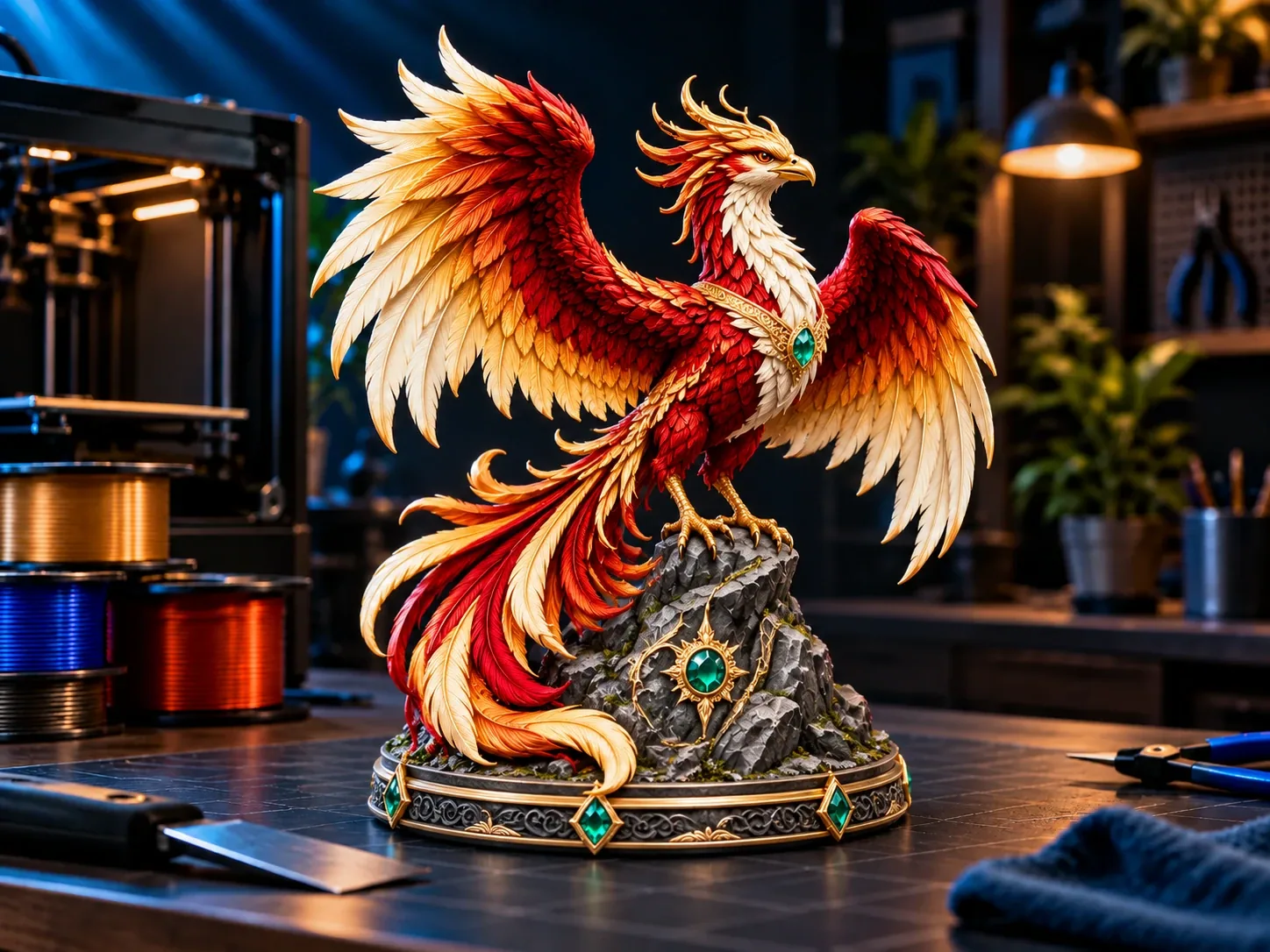
Create Something You’ll Be Proud To Print.
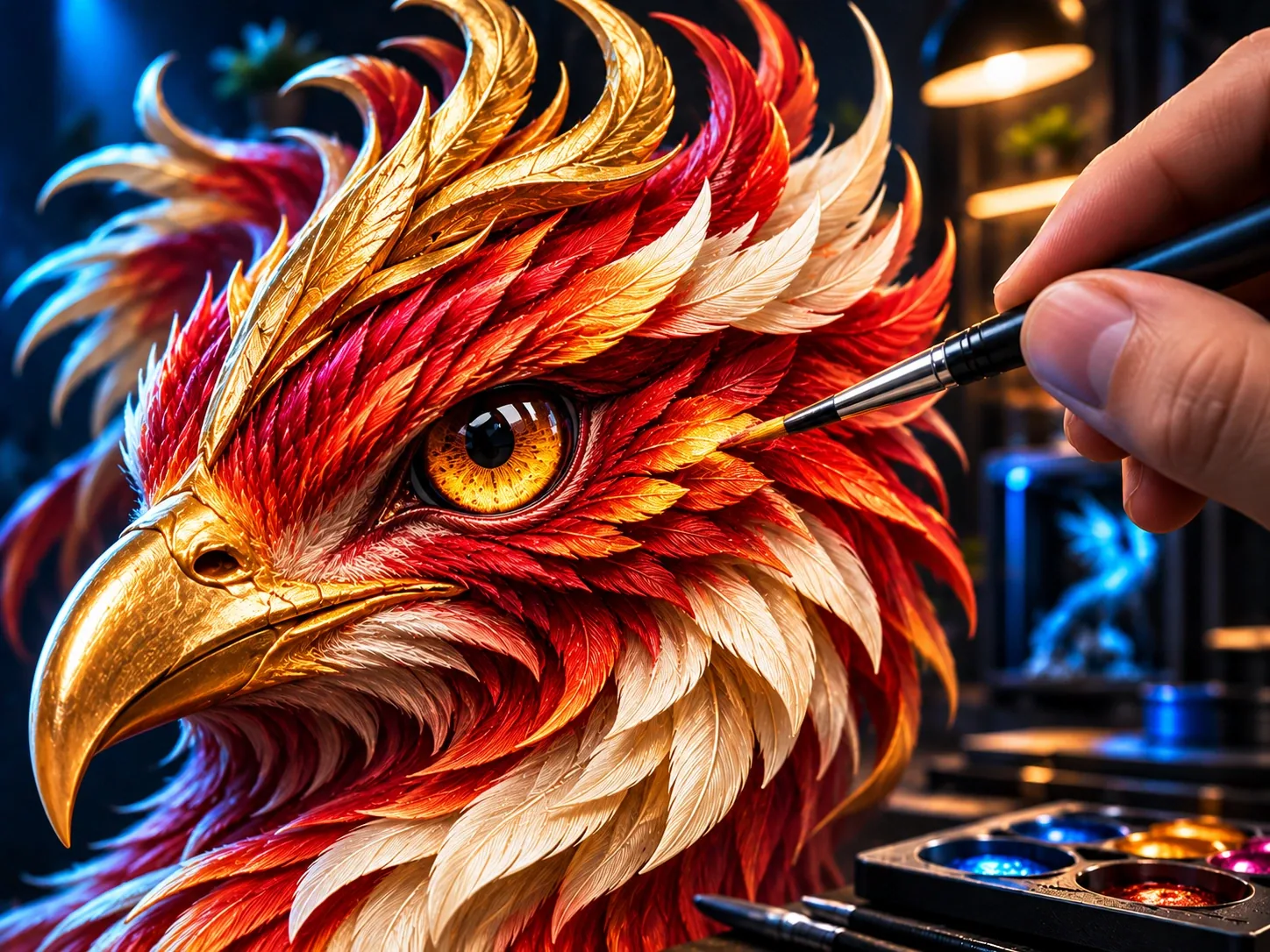
Bring Your 3D Models To Life With Brilliant Colors & Patterns. Add Your Personal Touch & Make It Yours.
PrintNext Makes It Fast & Easy To Color Your 3D Models.
Skip Hours Of Manual Coloring With PrintNext's Advanced Automatic Coloring. Bring Your Models To Life With Beautifully Coordinated Colors & Patterns. Add Your Personal Touch & Create Something You’ll Be Proud To Print.
PrintNext Advanced AI Features Like Auto Color Use PrintNext Credits.Auto Coloring Uses PrintNext Credits.
See Your Next Idea Take Shape. Live Interactive Studio Tour
Real tools. Real creativity.
Upload your model and imagine the possibilities.
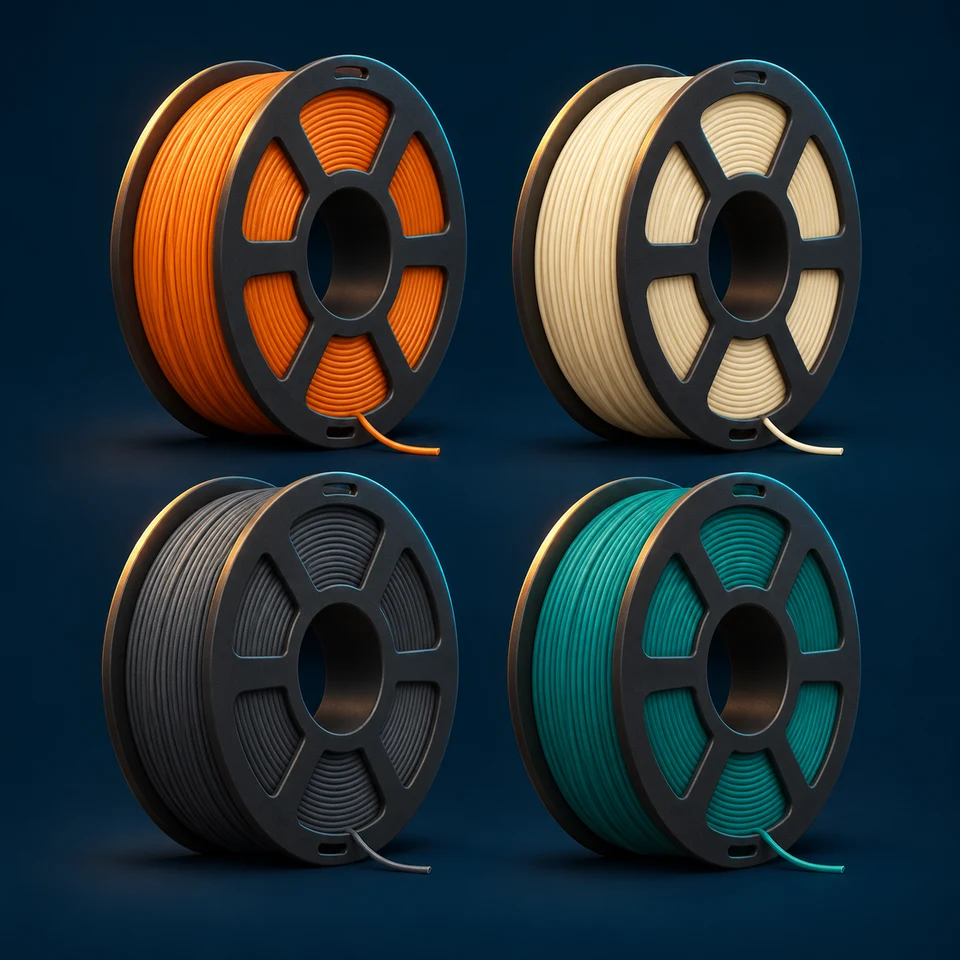
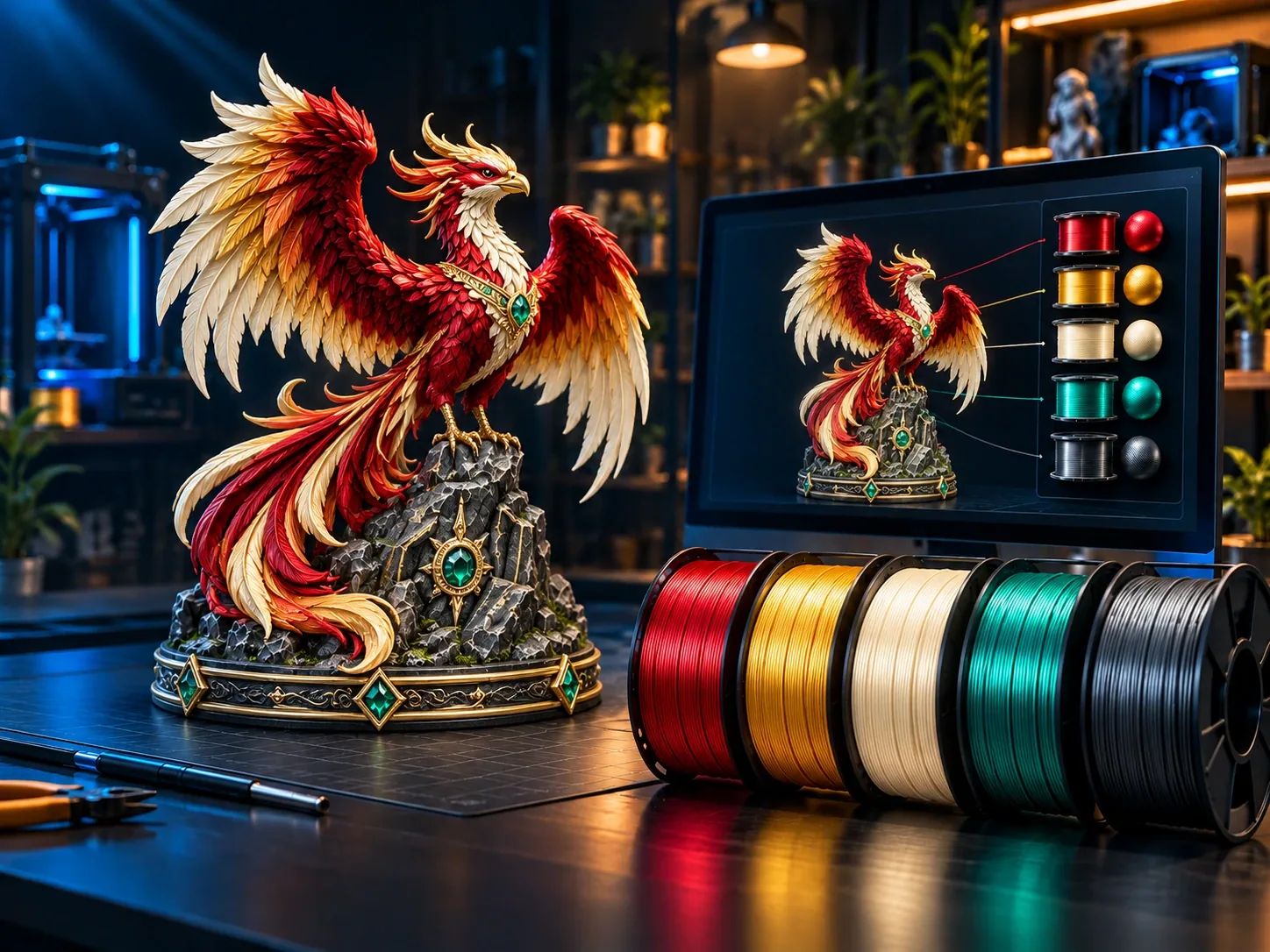
Design around the filament colors you own.
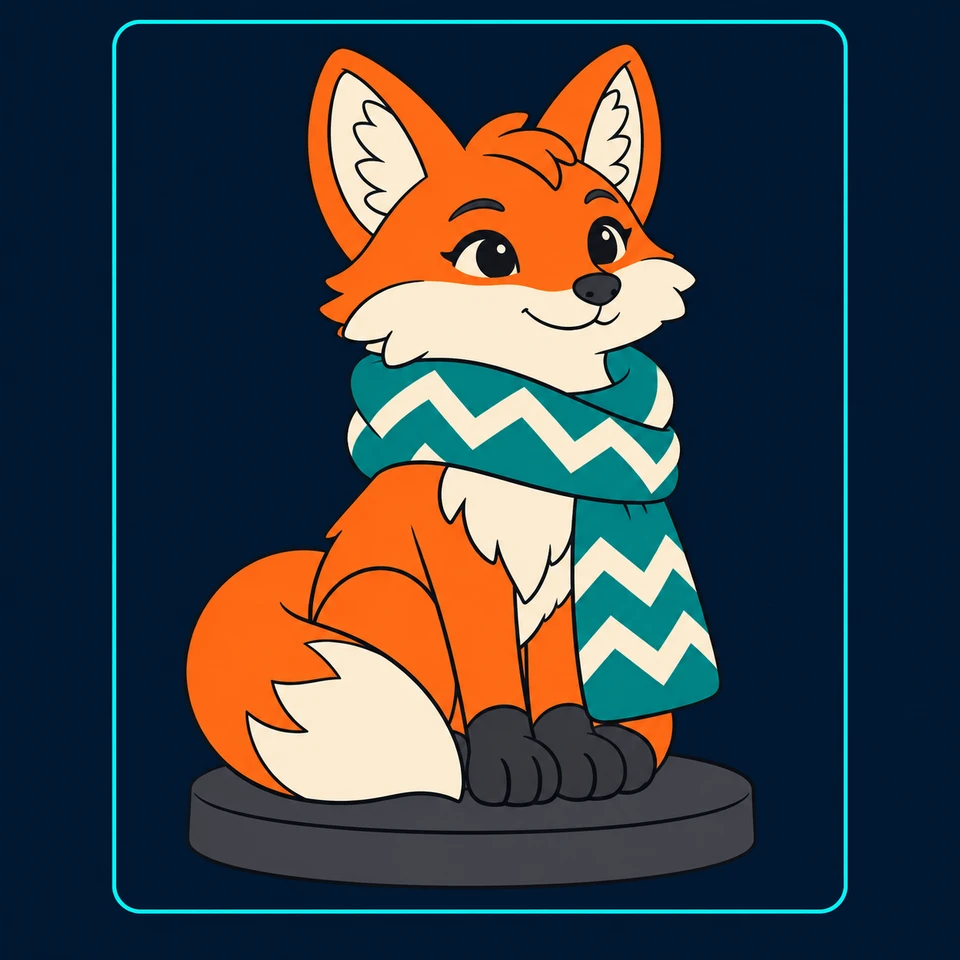
Let PrintNext design the best look, and best colors or you can choose.
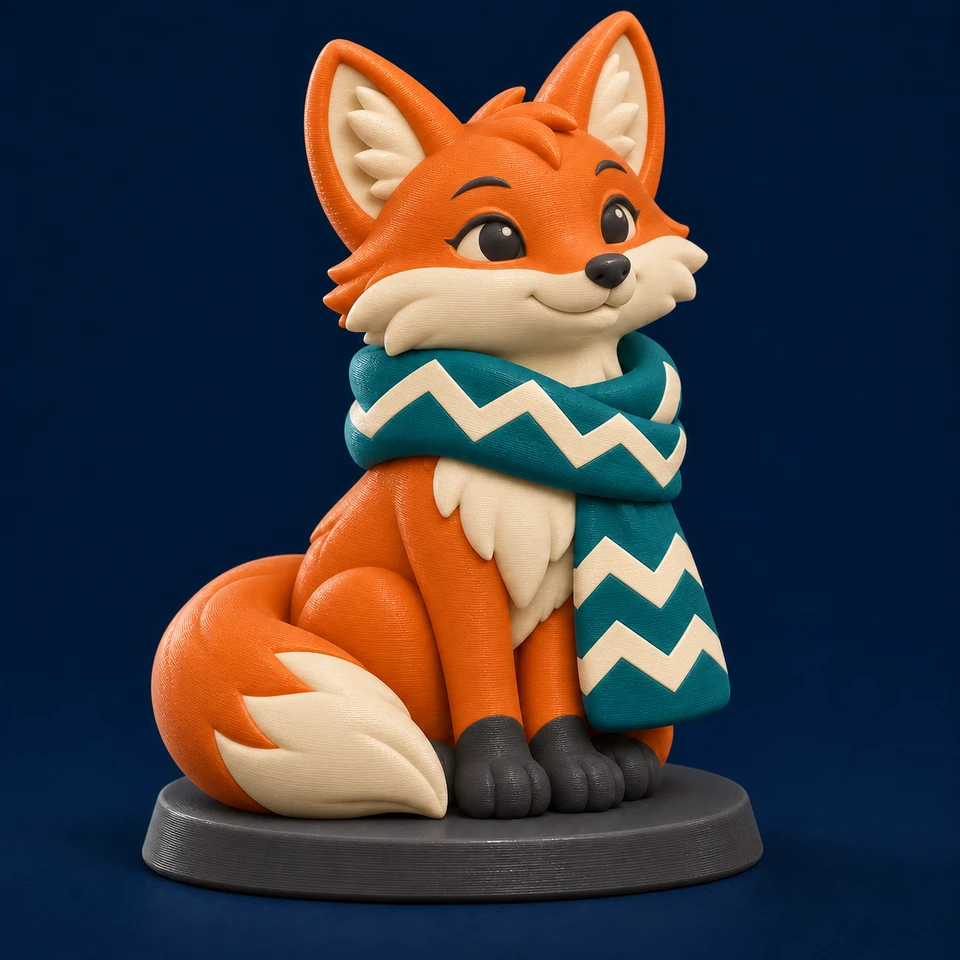
Review, refine, and prepare your multicolor 3MF.
Upload an STL or supported 3MF.
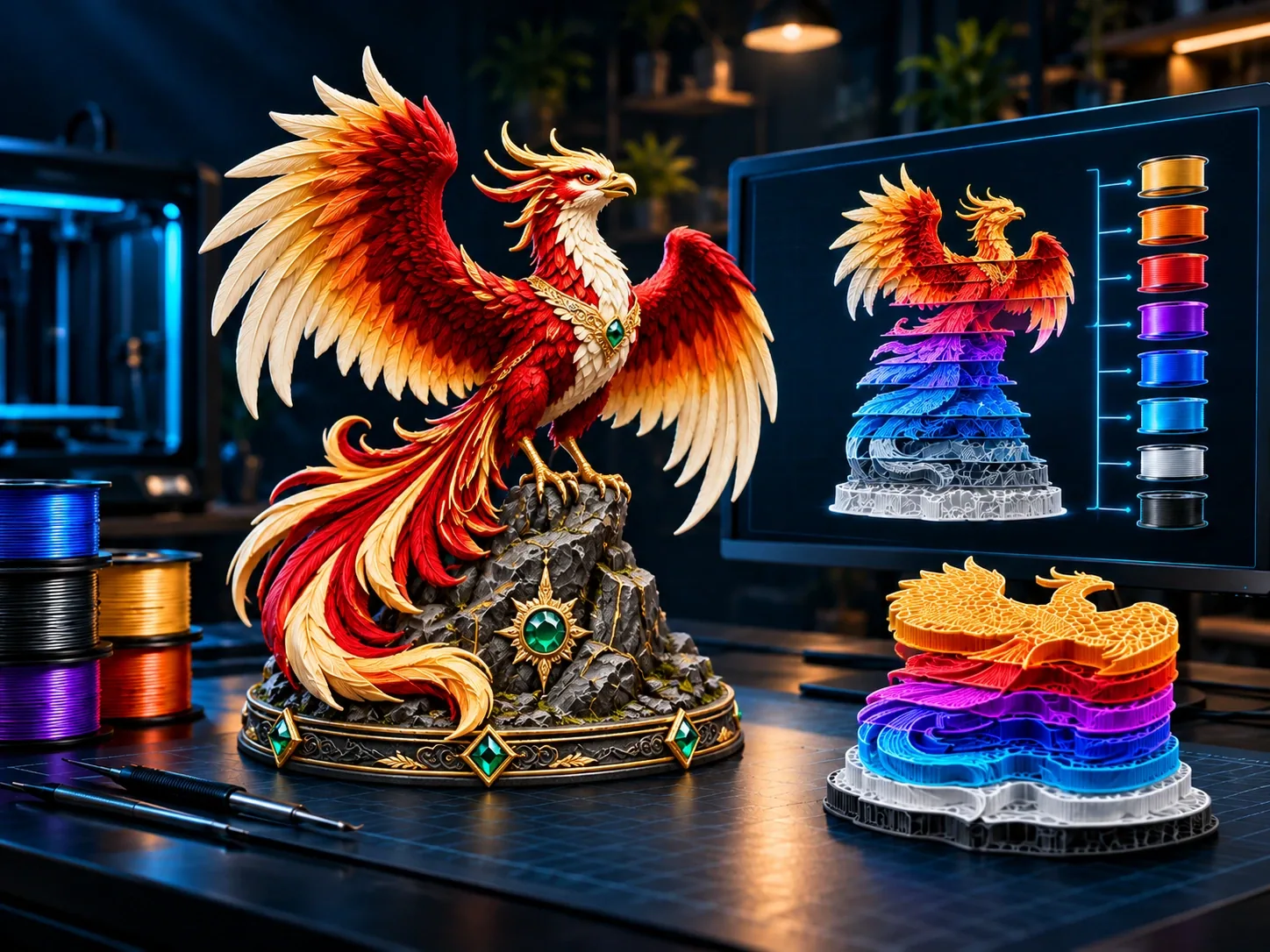
Generate a complete multicolor design in minutes.
Fine-tune details with precise coloring tools.
Design with the colors you actually own.
Export a slicer-ready multicolor 3MF file.
Everything You Need To Bring Your 3D Models To Life With Color.
Transform your plain 3D models into vibrant multicolor designs with beautifully coordinated colors, patterns, and details—without painting every surface by hand.
From fantasy creatures and colorful characters to holiday decorations, collectibles, and personalized gifts, discover new possibilities for the models you already own.
PrintNext works with your model’s existing shapes and details. Describe your vision, then explore the result and make it uniquely yours.
Yes—it can save hours on models that would otherwise require detailed painting in your slicer.
PrintNext creates your initial multicolor design automatically, giving you more time to explore colors and add personal finishing touches. The time saved depends on your model’s complexity and how much refinement you choose to do.
Less Time Painting. More Time Creating.
Start with three simple steps:
Explore the result in an interactive 3D preview, inspect it from every angle, and personalize the colors before exporting. No advanced painting or design experience is needed to get started.
PrintNext starts with views of your actual 3D model, so the color design is guided by the shape and details you already have.
Describe a fiery red-and-gold dragon, a festive holiday palette, or another look you imagine. PrintNext develops the design around your model, then lets you review and refine the result.
Automatic Color Studio colors existing 3D geometry. It does not put a photograph or a person’s face onto your model.
Yes! Make every creation uniquely yours.
Keep the colors you love, change individual areas, and refine the details with the available painting tools. Rotate your model and inspect it from different angles as you add your personal touch.
Automatic coloring creates your starting point. You decide when it feels right.
Yes—you can guide your design toward your available filament colors.
Describe the palette you’d like to use, then review and refine the result to suit your collection. Before printing, match the exported design’s colors to your actual filaments in a compatible slicer.
Your printer’s color capacity and available filaments determine which combinations you can print.
Yes, with a compatible slicer and a printer setup that supports the color changes your design requires.
PrintNext exports multicolor 3MF files. Open your exported file in a compatible slicer, assign your filament colors, and review the sliced print preview before printing.
Your printer’s capabilities, available filaments, and slicing settings determine the final printed result.
Absolutely! Explore the free prepared demo or upload a supported model and inspect it in the interactive 3D preview.
Uploading and previewing your own model is free. Generating its automatic multicolor design uses PrintNext Credits.
| Experience | Cost |
|---|---|
| Explore The Prepared Demo | Free |
| Upload & Preview Your Own Model | Free |
| Create Your Required Color Preview | 1 Credit |
| Apply Auto Color To Your Model | 20 Credits |
| Preview + Auto Color | 21 Credits |
A color preview is required before automatically coloring your model. Create and review your model’s color concept for 1 credit, then approve it and apply Auto Color for 20 credits—21 credits total. PrintNext shows each cost before you begin.
Explore For Free. Create When You’re Ready.
Skip Hours Of Manual Coloring. Create Something You’ll Be Proud To Print.
Discover What Your Favorite Model Could Become With Brilliant Colors & Creative Details.Let PrintNext Design Your Multicolor Look, Then Add Your Personal Touch & Make It Yours.Bring Your Model To Life With Color.Add Your Personal Touch. Make It Yours.