Can STL files have color?
Some unusual STL workflows have color extensions, but most 3D printing workflows treat STL as geometry only. For multi-color printing, it is usually better to color the model and save or export a 3MF.
Why does my STL lose color when I export it?
The color work is usually stored in the slicer project or another richer format, not in the STL. If you export back to STL, the geometry may remain while color assignments disappear.
Is 3MF better than STL for multi-color printing?
Yes for most modern multi-color workflows. 3MF can preserve more project information, including color and material assignments, while STL is mainly a mesh geometry format.
Can I color an STL without Bambu Studio?
Yes. You can use Color Studio, Orca Slicer, PrusaSlicer, or other tools that support color painting or project-based color assignment.
Can I make multi-color prints without an AMS?
Yes, but the workflow is different. You may use manual color swaps, pause points, separate parts, or a multi-material accessory. Planning the colors first helps avoid surprises.
What is the easiest way to color an STL file?
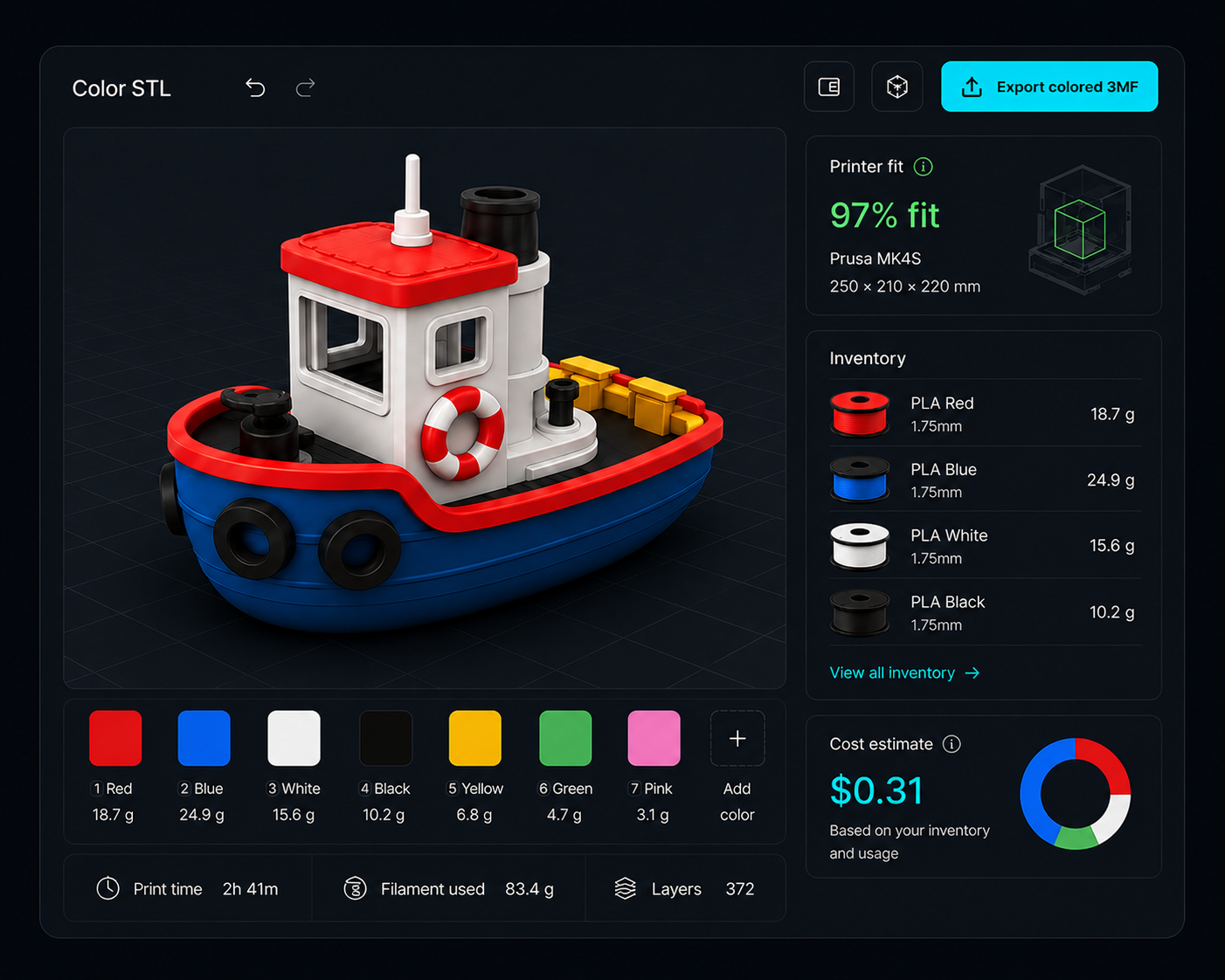
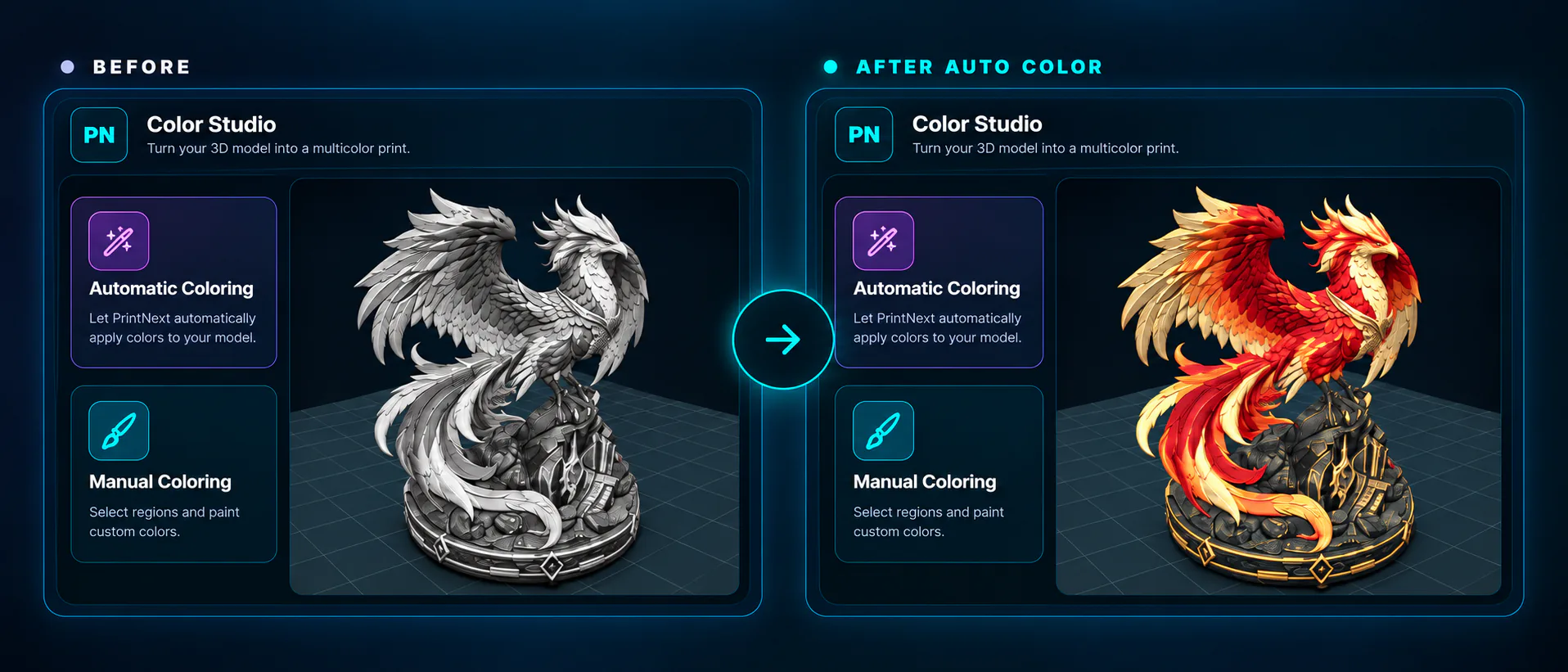
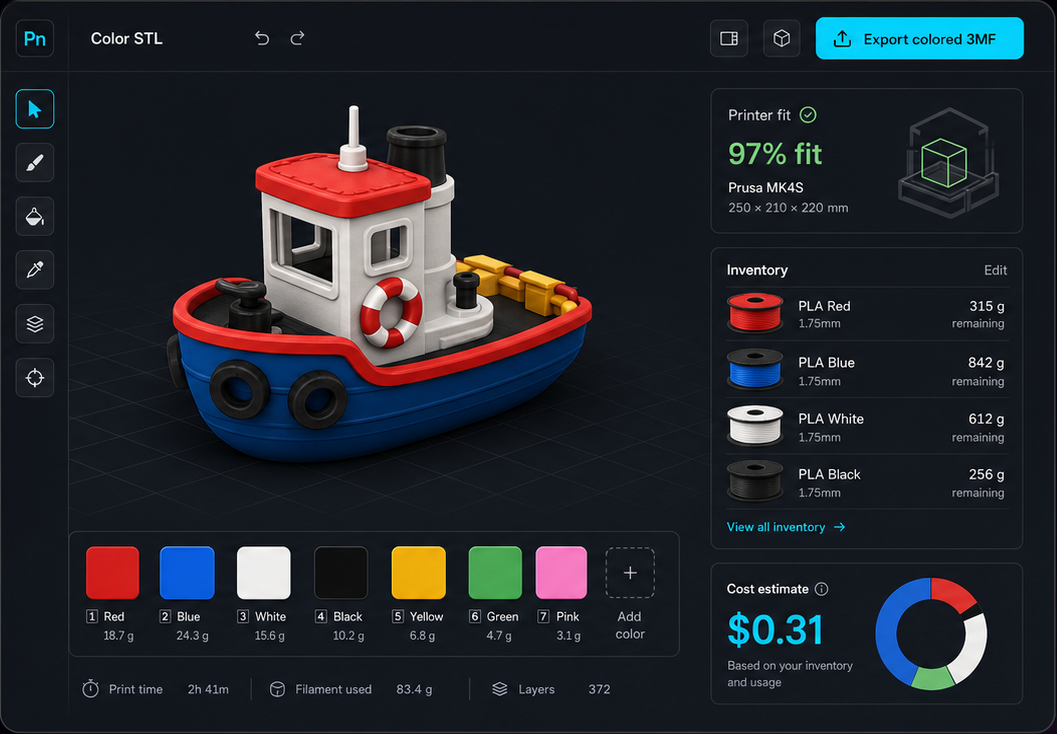
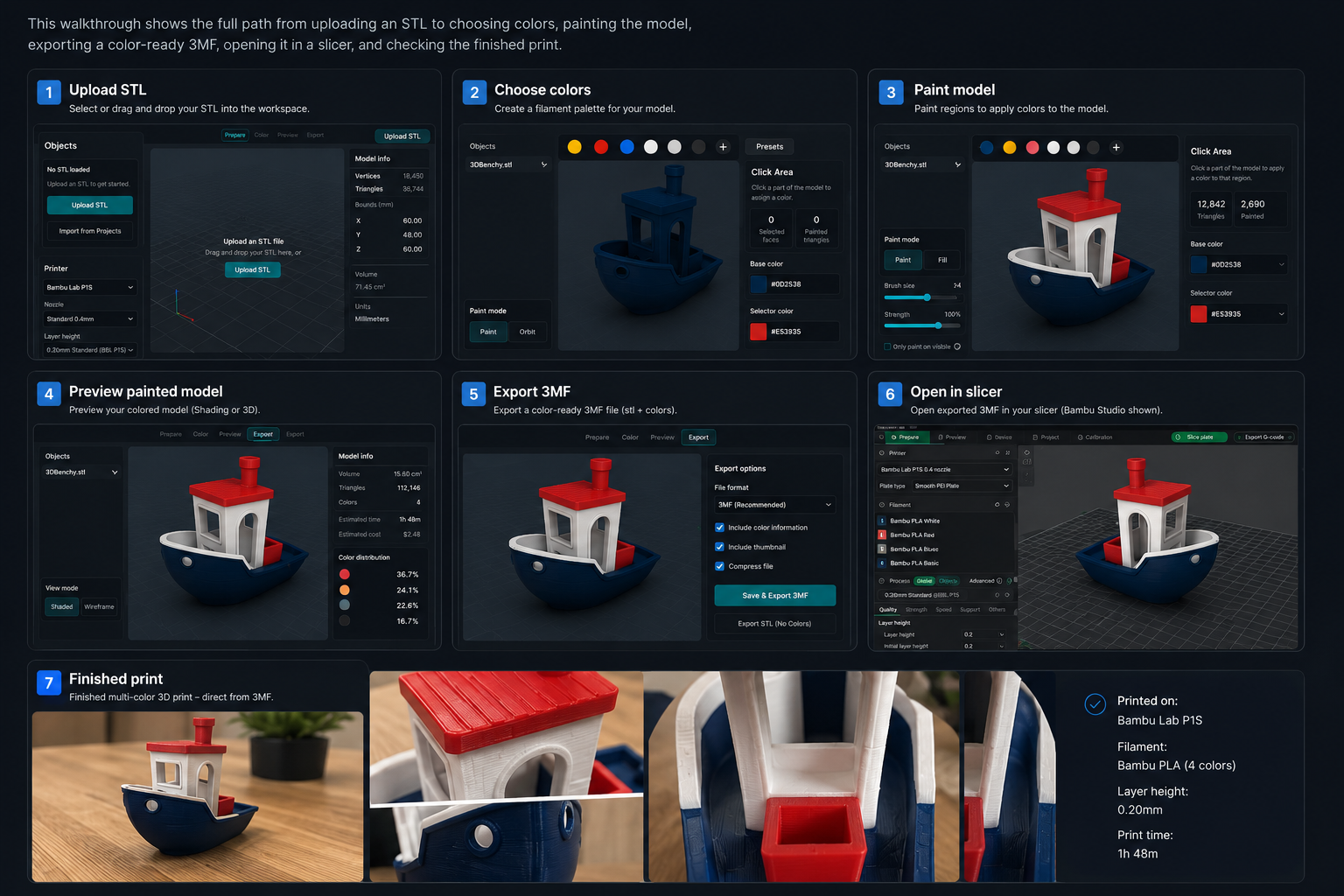
Open the STL in Color Studio and choose Automatic Coloring for an AI-generated design or Manual Coloring for direct control. Edit the prepared regions, match filament, then export a slicer-ready multicolor 3MF.
Does PrintNext export 3MF files?
Yes. Color Studio exports a slicer-ready multicolor 3MF. Open that file in your destination slicer and verify its material mapping, scale, supports, and printer settings before printing.
Can Cura color STL files?
Cura is mainly a slicer workflow. Depending on your setup, you may need a separate coloring or project-prep step before final slicing, especially when you need color assignments preserved.
What file format preserves color for 3D printing?
3MF is usually the safest choice for preserving color, material, and project information across modern 3D printing tools.